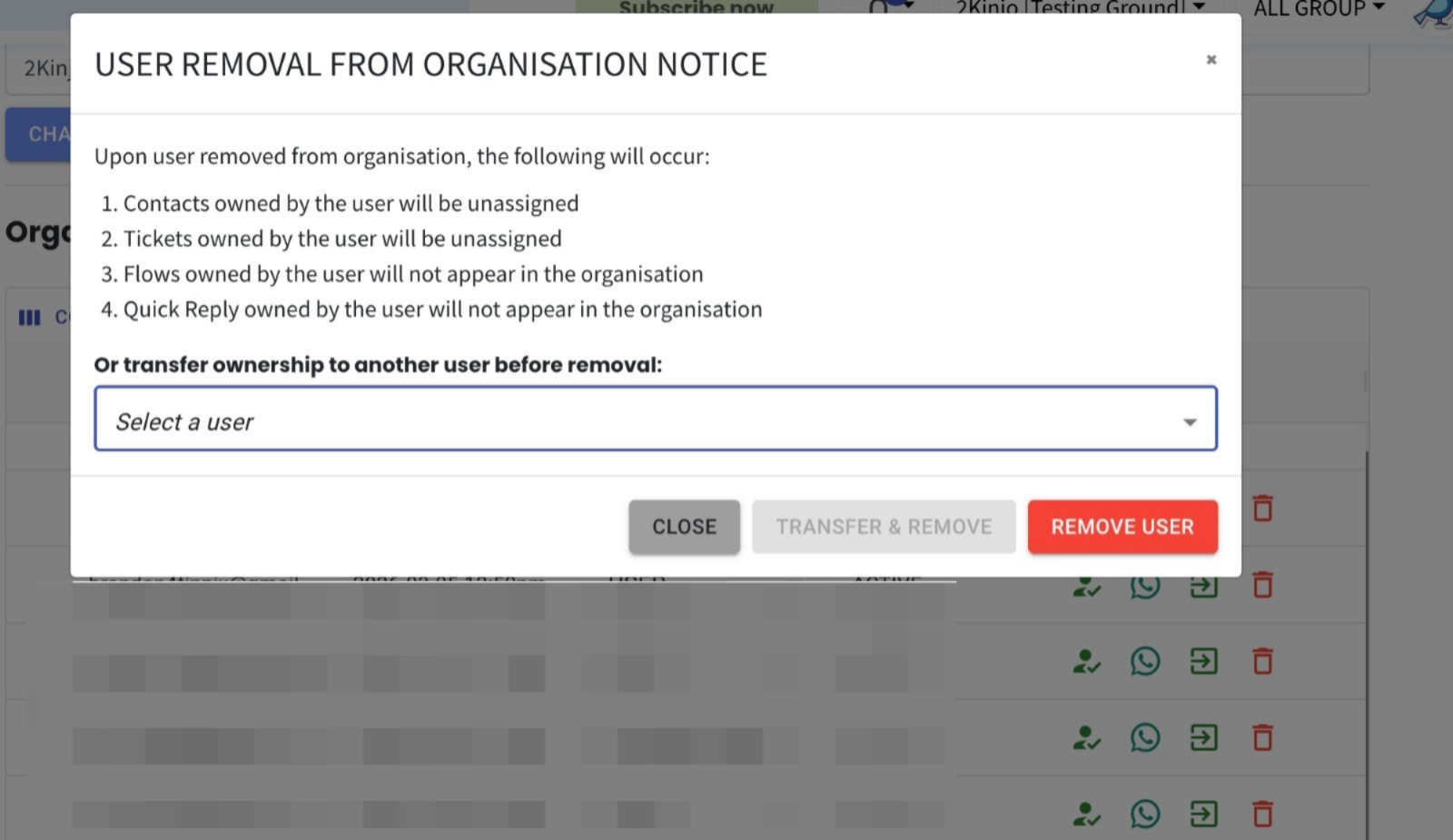
Transfer Ownership During User Removal 🔄
What’s New:
We’ve enhanced the user removal process to allow ownership transfer before a user is removed from the organisation.
Now, when removing a user, you can select another user to automatically inherit all associated contacts and tickets.
What it means to you:
No more unassigned contacts or tickets when a user leaves the organisation.
Ownership is seamlessly transferred to a selected user, ensuring continuity in customer management and task handling. ✨
This helps maintain better organisation, accountability, and workflow consistency.
How you can go about it:
Head over to the Account module and click Organisation.
Click on the bin icon and initiate the user removal process.
Before confirming removal, select a replacement user to take over ownership.
All contacts and tickets from the removed user will be automatically reassigned.
Click on the transfer & remove and the transfer will be completed instantly.