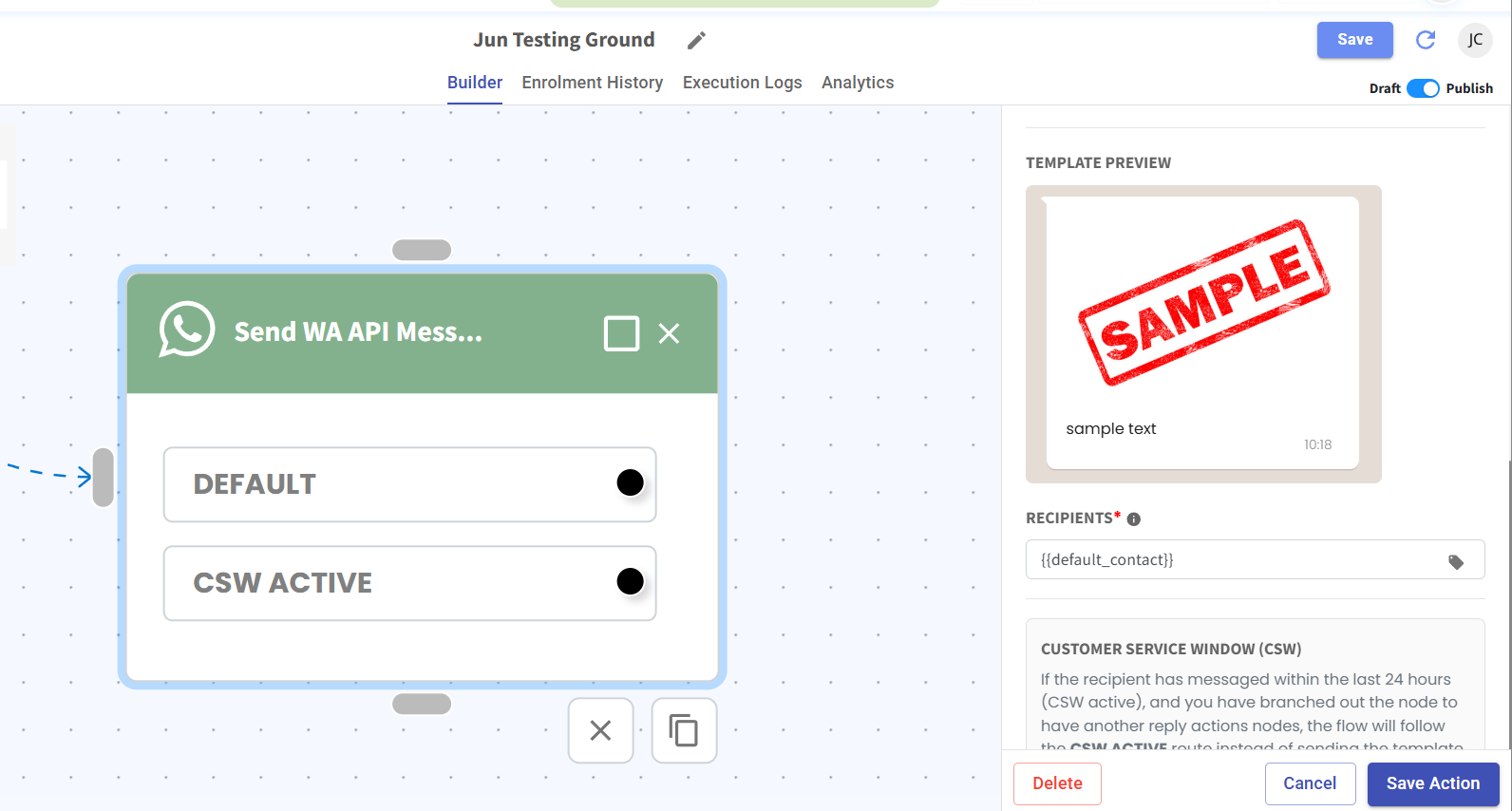
Flowbuilder Now Shows Media Previews 🖼️
What's New:
When you select a WhatsApp template with a media header, a preview of that media now appears directly in the Flowbuilder action view. ⚡
What it means to you:
You can see the attached image or video at a glance without opening any links. This saves you time and makes your workflow much smoother. ✅👀
How you can go about it:
1. Open the Flowbuilder and select a Send WA API Message action.
2. Choose a template that includes a media header.
3. View the media preview right there in the panel — no extra clicks needed. 🎉