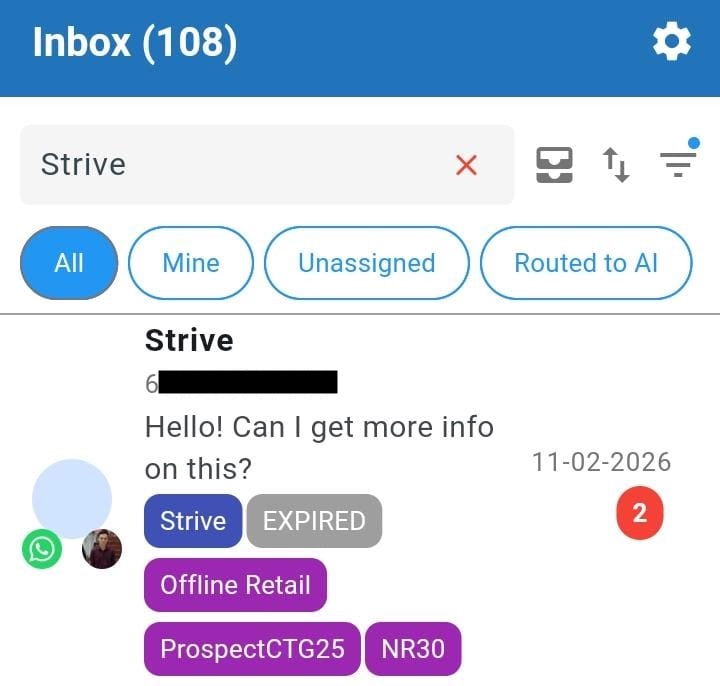
Show or Hide Contact Tags in Strive Go Inbox 🏷️
What's New:
You can now choose whether to display or hide contact tags in the Strive Go Inbox. 📱
This gives you better control over how much information you want to see while managing your chats. You can keep your view clean or show tags when you need more context about the contact.
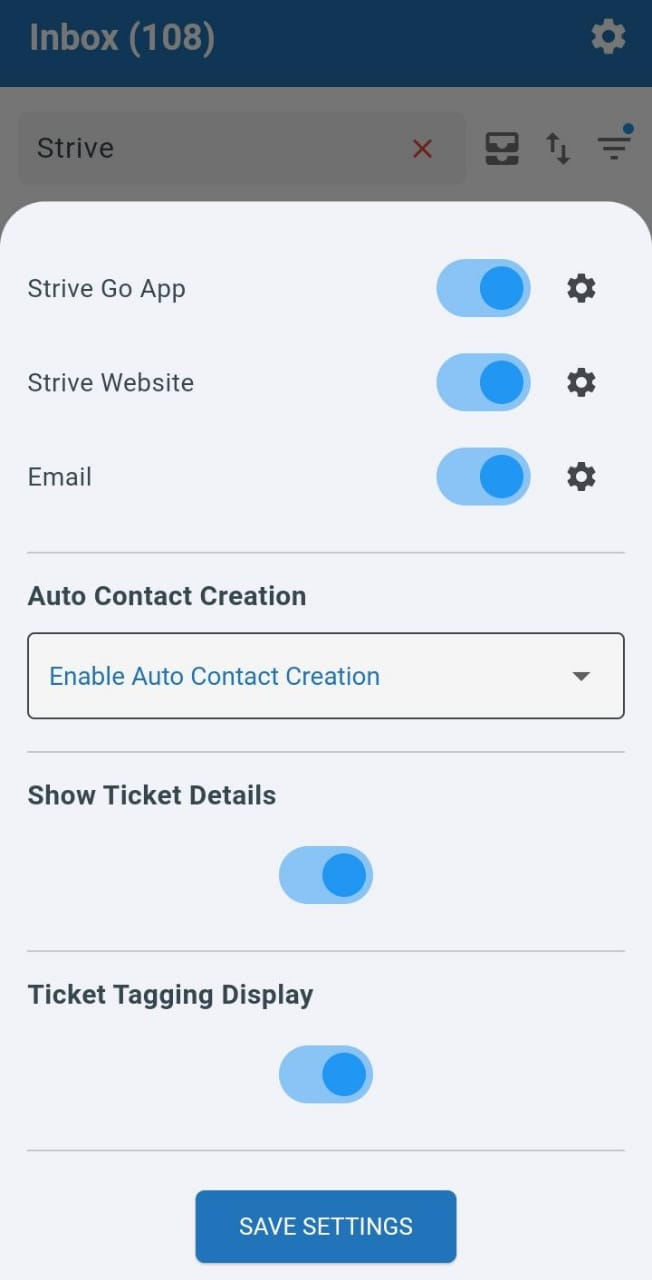
To set this up, click the gear icon at the top right, scroll down, turn on or off the Ticket Tagging Display toggle, then press Save Setting. ⚙️
Once enabled, the contact tags will be shown directly on the ticket so you can easily identify them. 👀