Block Contact Directly from Strive Go 🚫
What's New:
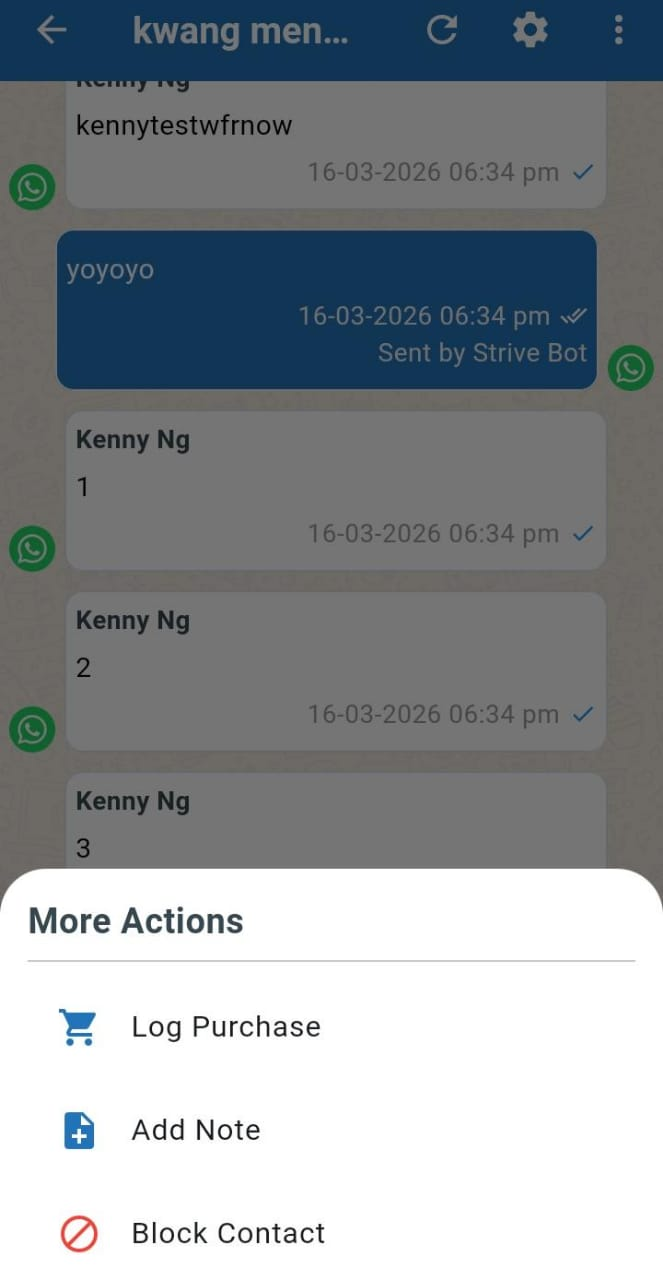
You can now block a contact directly from the Strive Go app when managing your chats. 📱
This allows you to quickly stop unwanted messages from a contact without needing to access Strive web. Once a contact is blocked, you will not receive any further messages from that contact, and you will also not be able to send any messages to them.
To block a contact:
Open the chat with the contact
Tap the three dots at the top right
Tap Block Contact
Note: This block feature is not available for the WA Personal channel.
This helps you manage unwanted conversations more easily and keep your chat inbox under control. 🛑