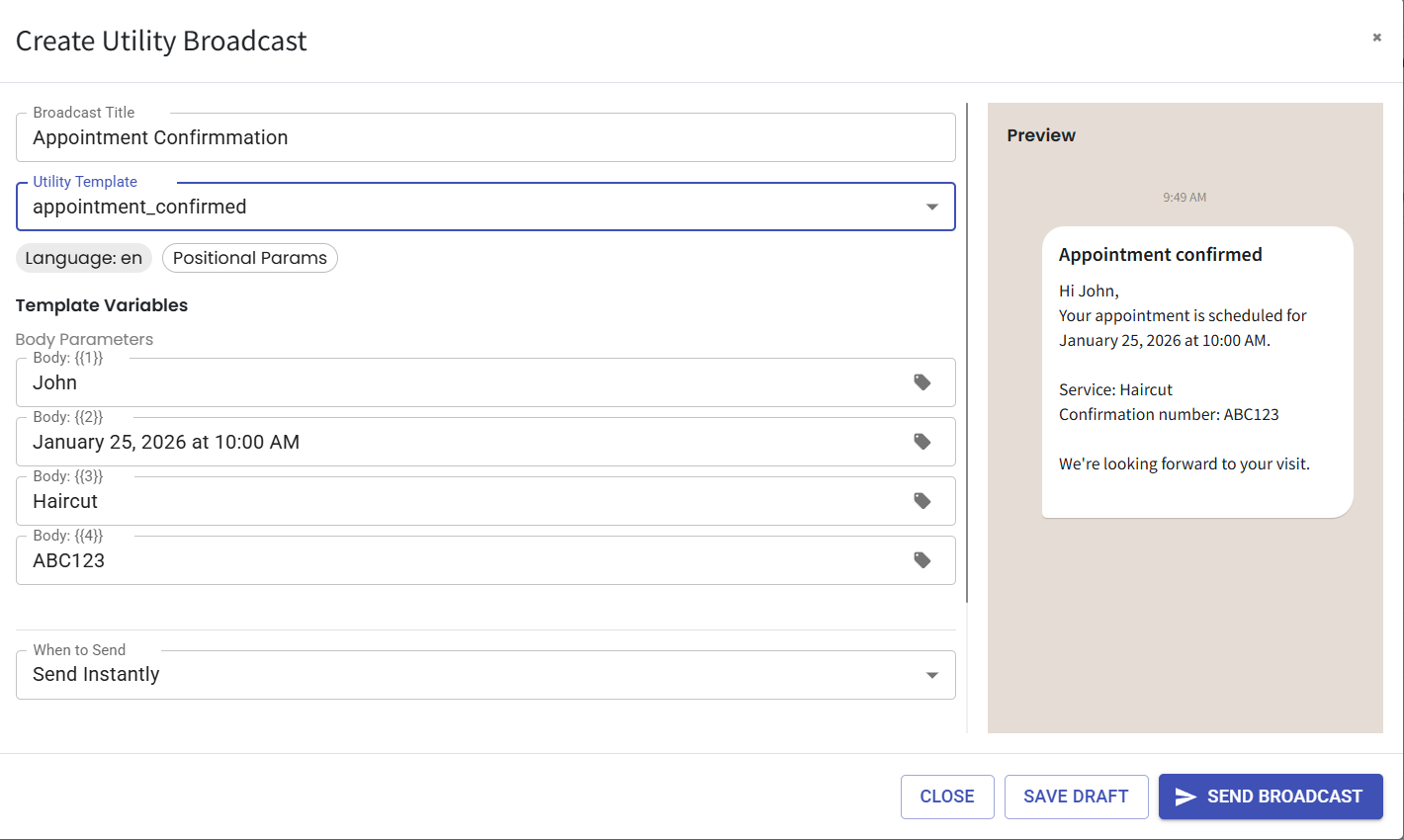
Messenger Utility Broadcast 📢
What's New:
We've rolled out the Messenger Utility Broadcast feature 🎉
What it means to you:
You can now send broadcast messages to your audience directly from the Messenger tool 🌟
With Utility Broadcast, you can:
✅ Share important updates and announcements
✅ Send order, payment, or appointment reminders
✅ Notify customers about account or service updates
✅ Reach multiple contacts at once without replying individually
✅ Improve customer engagement with faster communication 🚀
How you can go about it:
Navigate to the Messenger module in your dashboard.
Click on Utility Template and create your template.
Once your template is ready, exit the page.
Click on Utility Broadcast.
Create your broadcast, select your target audience, and send it 🔔