Log CAPI Event Directly from Strive GO 📊
What's New:
You can now log a CAPI event directly from Strive GO without logging a purchase.
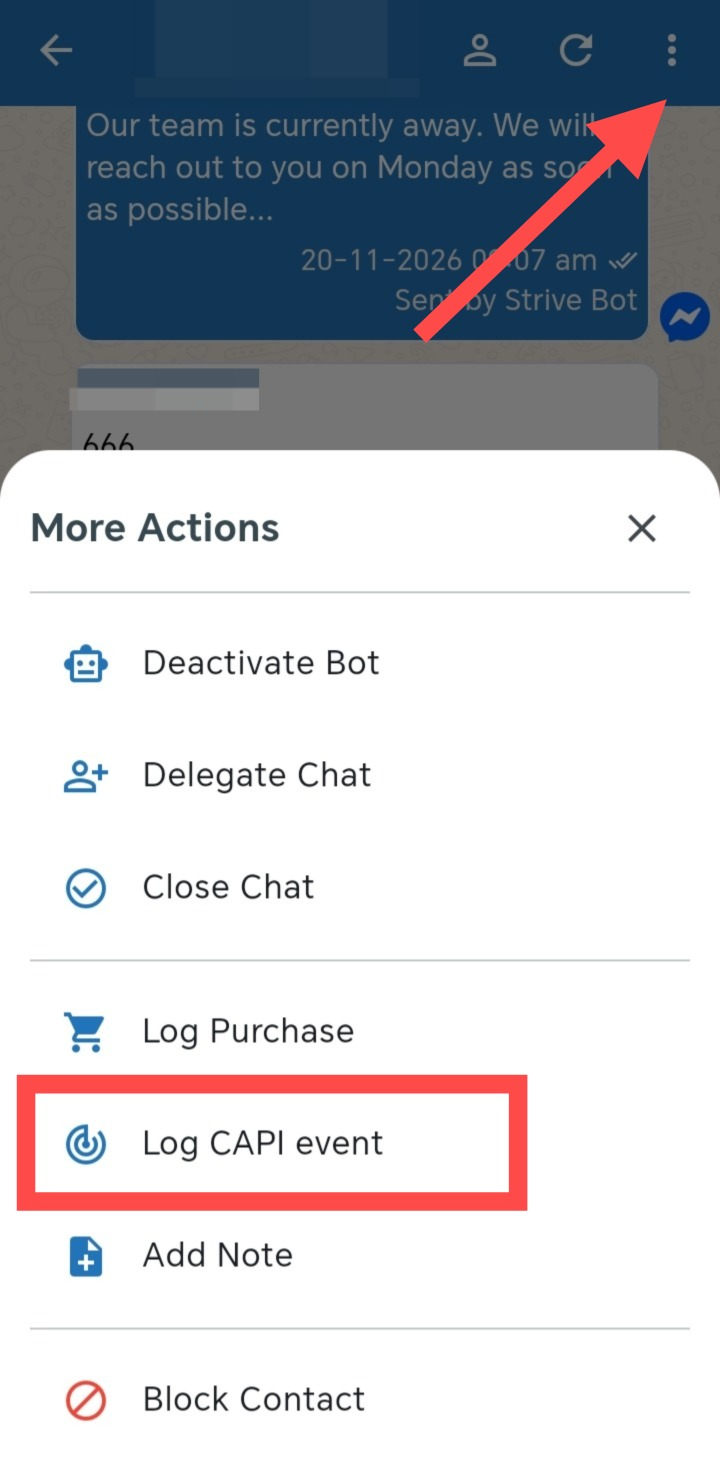
Previously, you needed to go to Log Purchase and enable Send CAPI Event to log a CAPI event. Now, Log CAPI Event is available as a separate action in the chat.
What it means to you:
You can log CAPI events without creating a purchase record, making it easier to track customer actions that are not related to a purchase.
How you can go about it:
Open a contact chat in Strive GO.
Tap the three dots (⋮) icon at the top right for More Actions.
Select Log CAPI Event.
Select and log the required CAPI event.