Bulk Tag Remove Now Available 🏷️
What's New:
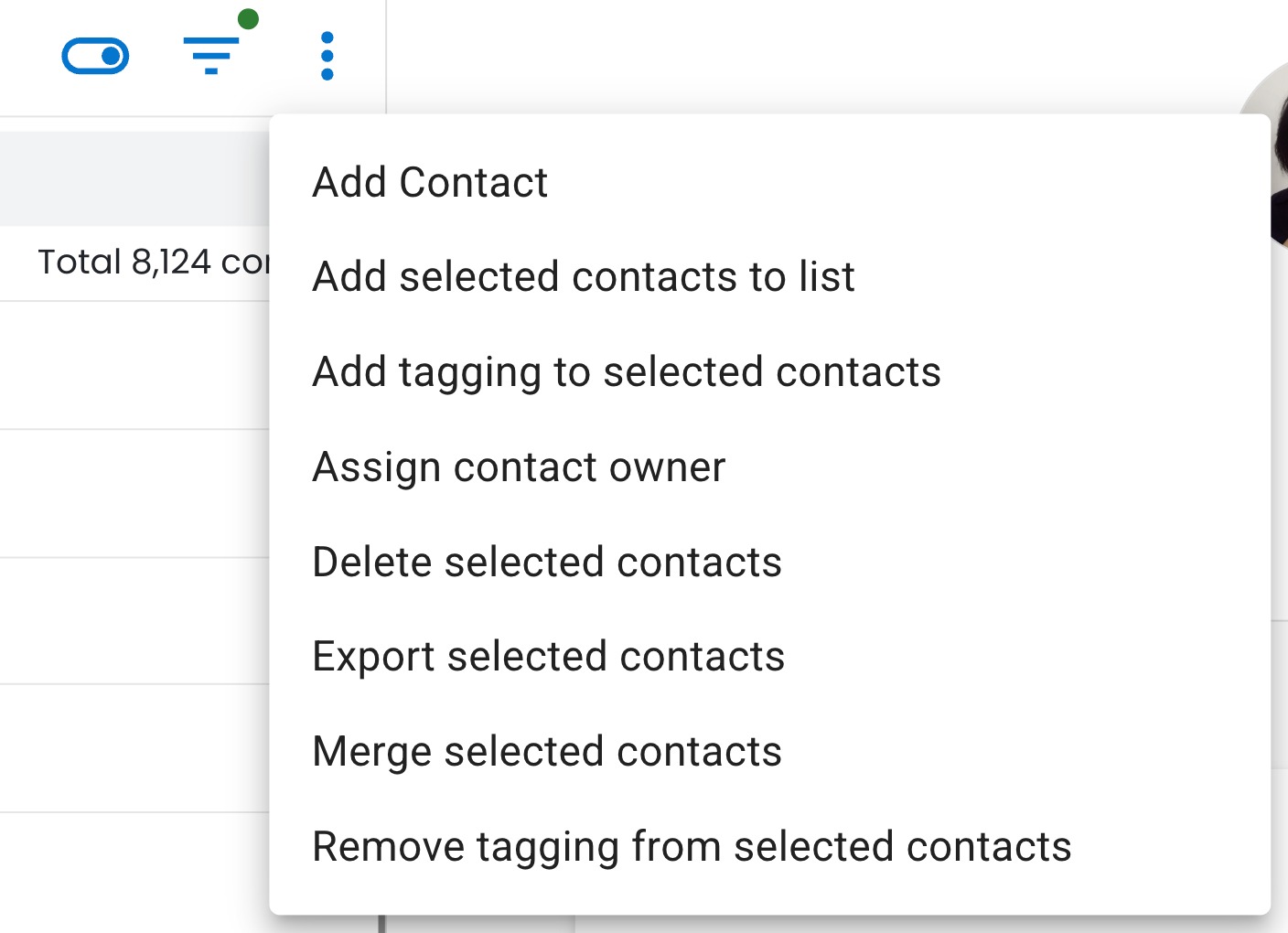
You can now remove tags from your multiple contacts in one go 🎉
What it means to you:
No more removing tags one by one. This saves you time and makes tag management much smoother 🙌✨
How you can go about it:
1. Go to your Contact module and select multiple contacts using the checkboxes.
2. Click on the three dots, click on the "Removed tagging from selected contacts" button that appears.
3. Choose the tags you wish to remove in bulk.
4. Confirm the deletion to apply changes instantly 🚀