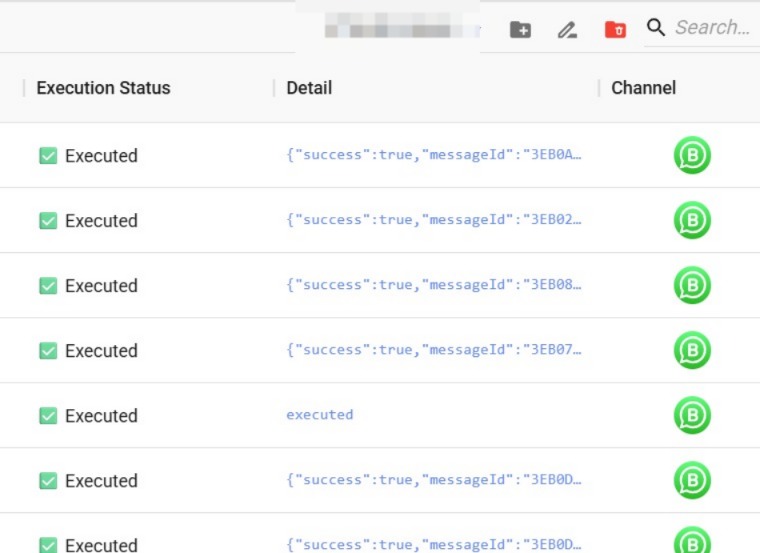
Detailed Flow Execution Logs 📊
What's New:
We've enhanced the Detail column in Flowbuilder Execution Logs 🎉
What it means to you:
You can now easily track the status of each message in your flow and understand why a specific step was successful or failed. This makes troubleshooting and monitoring your automations much more efficient 🔍✨
With this enhancement, you can:
✅ View the status of each message in a flow
✅ Identify successful and failed flow actions
✅ Understand failure reasons more easily
✅ Troubleshoot flow issues faster
✅ Improve visibility into flow performance 🚀
How you can go about it:
Go to the Flowbuilder Module.
Edit the flow you would like to review.
Click on Execution Logs.
View the Detail column to track the status and outcome of each flow message 📊✨