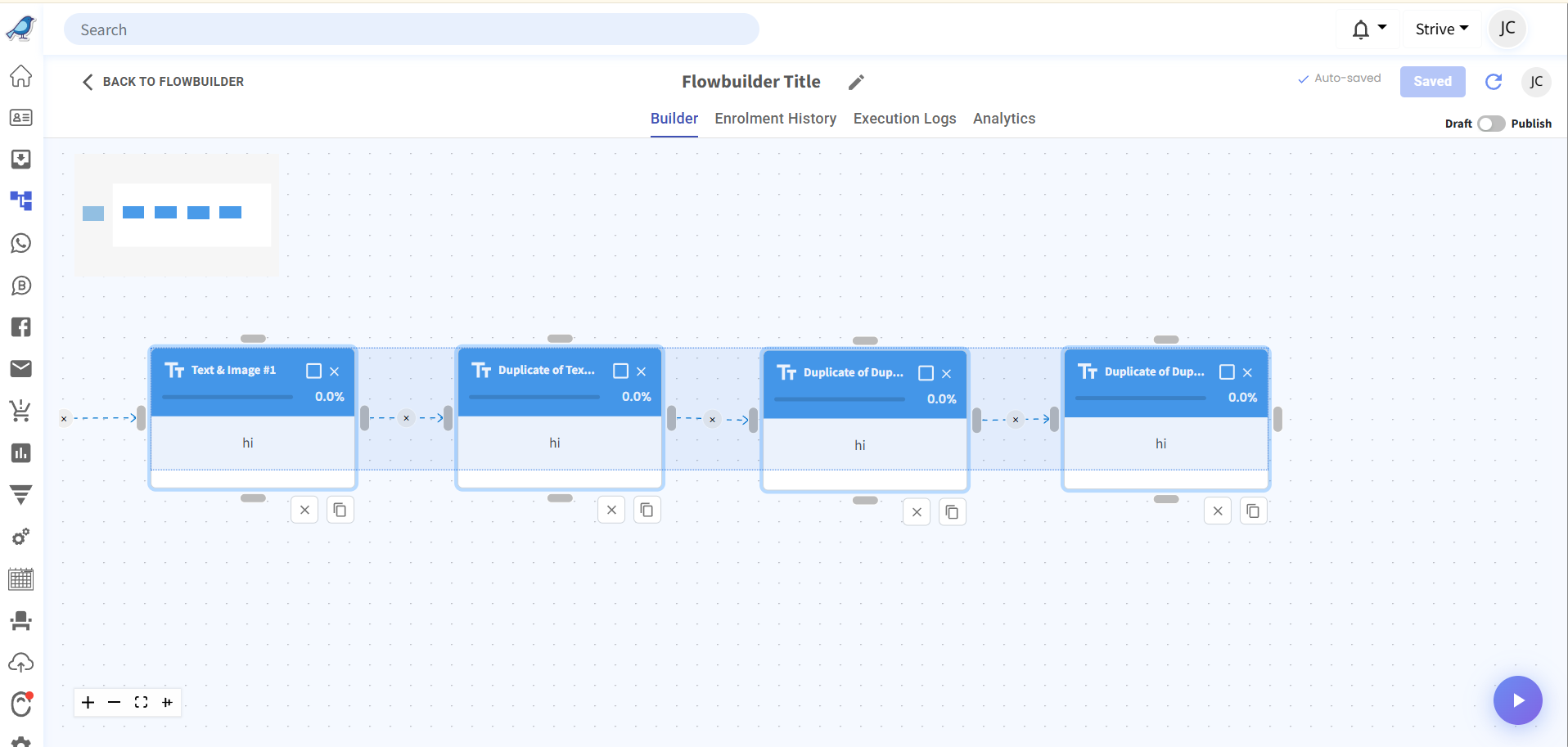
Shift-Highlight & Copy-Paste Across Flows 🔀
What's New:
You can now select multiple nodes in Flow Builder using the Shift key and copy/paste them into another flow 🚀
What it means to you:
Reusing flow structures just got easier. Build once, duplicate across flows, and save time on repetitive setup 💪⚡
How you can go about it:
1. Hold Shift and highlight on the nodes you want to copy 🖱️
2. Press Ctrl+C (Cmd+C on Mac) to copy the selected nodes 📋
3. Open the target flow and press Ctrl+V (Cmd+V on Mac) to paste them 🎯