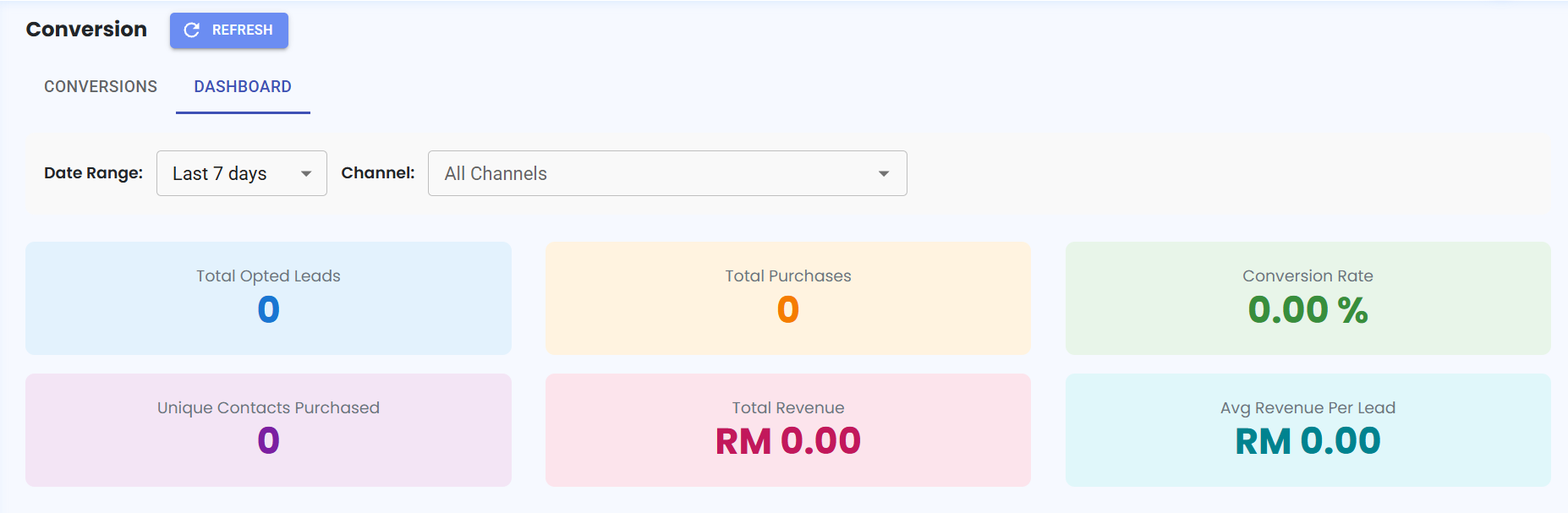
Channel Filter Added to Conversion Module 📊
What's New:
We've added a new Channel filter in the Conversion Module 🎉
What it means to you:
You can now filter conversion data by channel, making it easier to analyze campaign performance, leads, purchases, and revenue for each individual channel. This gives you clearer insights when managing multiple channels ⚡
With this enhancement, you can:
✅ Filter conversion data by channel
✅ Analyze leads, purchases, and revenue for each channel
✅ Compare campaign performance across channels
✅ Gain more accurate conversion insights 🚀
How you can go about it:
Go to the Conversion Module.
Click on Dashboard.
Select the Channel you want to analyze.
View the conversion metrics and ad performance for the selected channel 📊