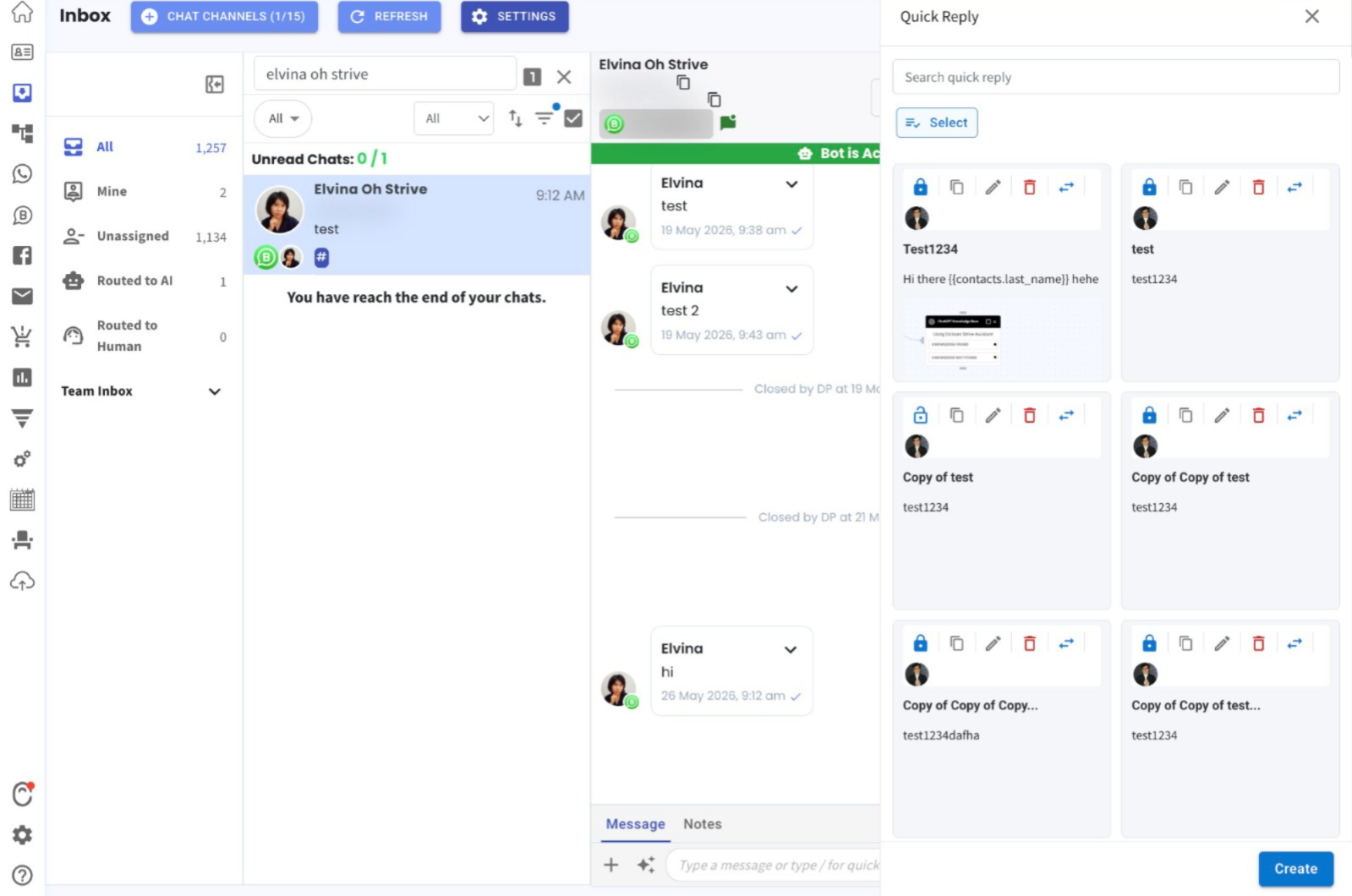
Bulk Transfer Ownership for Quick Replies 🚀
What's New:
Super Admins can now transfer ownership of multiple Quick Replies at once 🎉
What it means to you:
Save time when managing Quick Replies by reassigning multiple items in a single action instead of updating them one by one ✅
How you can go about it:
Go to the Inbox Module, open any chat, then click the + icon (bottom-left corner) and select Quick Reply.
Click Select and choose the Quick Replies you want to transfer.
Click Transfer and select the new owner.
Click Submit and Confirm to complete the transfer 🎉