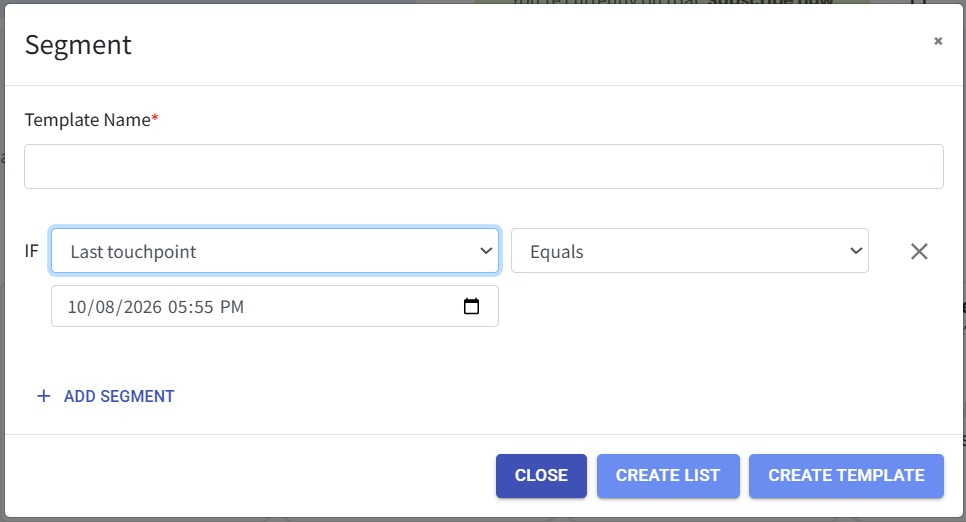
Segment by Last Touchpoint 🔍
What's New:
You can now segment contacts based on their Last Touchpoint date.
Last Touchpoint refers to the most recent recorded customer interaction in Touchpoint, allowing you to filter contacts based on when their latest interaction took place. 📆
What it means to you:
This makes it easier to identify customers based on when you last interacted with them.
For example, you can segment customers whose last touchpoint was before or after a specific date, helping you identify inactive customers for follow-ups, re-engagement, or retention campaigns. 🎯
How you can go about it:
Go to the Contact Module and click on Segment.
Select Last Touchpoint as the segment condition.
Choose the desired date for the last touchpoint filter.
Click Create List or Create Template to save your segment. 🎯