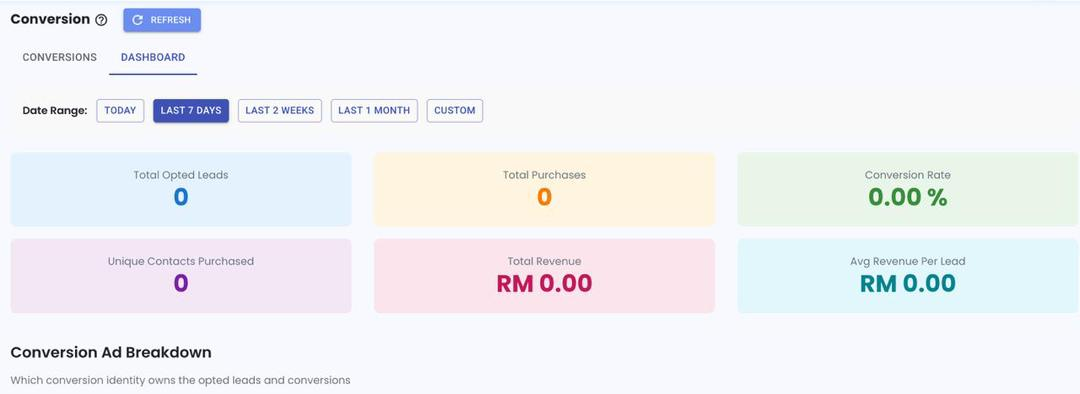
View Lead Generation Report in Conversion 📊
What’s New:
You can now easily view your lead generation report in the Conversion module. 📈
This dashboard shows how many leads are generated from your ads and gives you a clear overview of your performance.
What it means to you:
You can quickly see how many leads your ads are bringing in, making it easier to track your campaign performance. 👀
The report counts based on unique contacts, so if the same person clicks your ad multiple times, it will still be counted as one lead.
How you can go about it:
Hover your mouse over the Report icon
Click on Conversion
Select Dashboard
Note: This works best when using WA API or Coexistence, and is not suitable for WA Personal. 📱