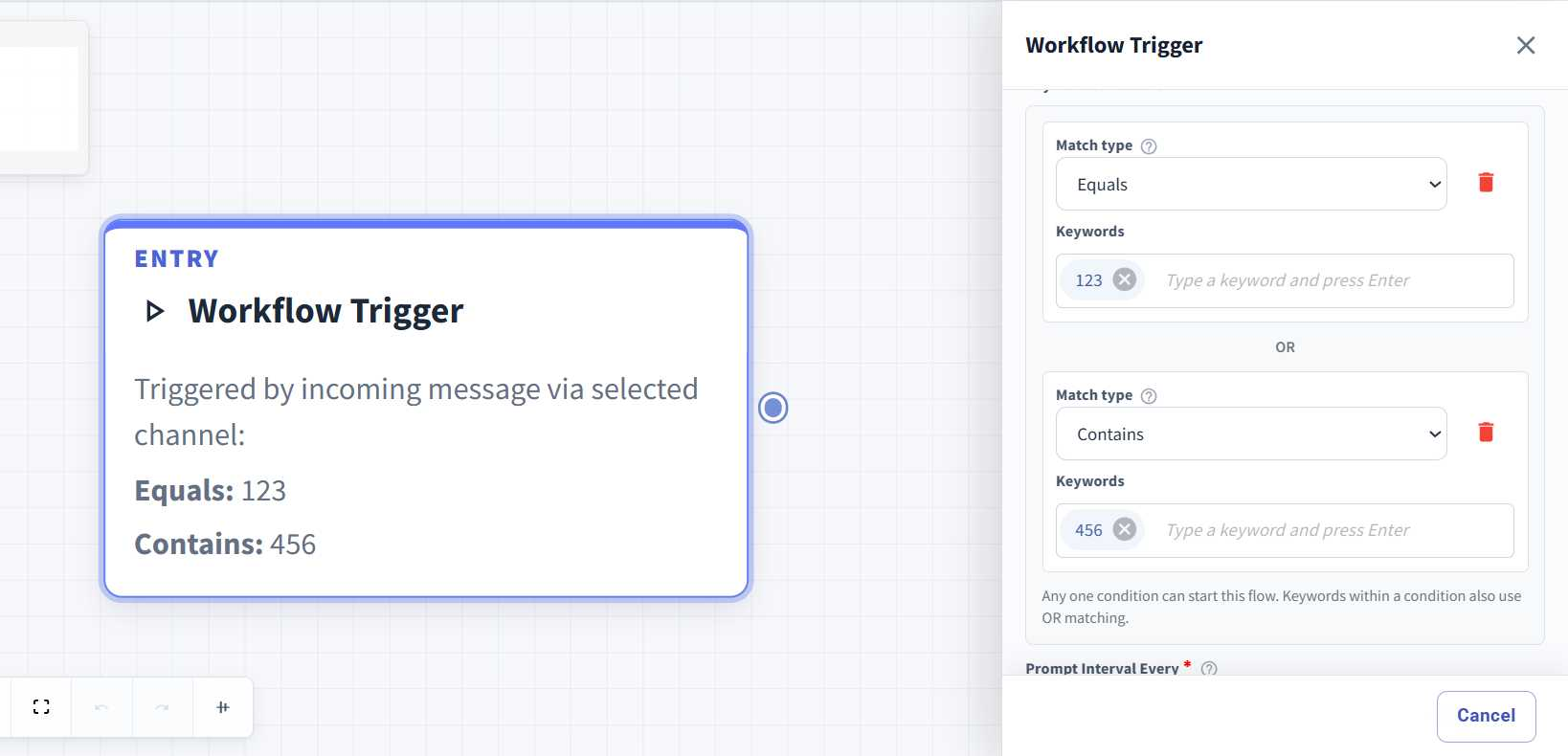
Multiple Match Types in Keyword Flow ✨
What’s New:
We’ve enhanced the Keyword Flow to support multiple match types within the same flow. You can now use both Equals and Contains together when setting up your keyword triggers. 🔑
What it means to you:
Previously, a Keyword Flow could only use one match type. Now, you can combine different match types and keywords in a single flow, giving you more flexibility while keeping your automation simpler. ⚡
How you can go about it:
Head to the Flows Module and create a new flow or edit an existing one.
Click the Workflow Trigger.
Select Keywords Based as the Flowbuilder type.
Select your Match Type and enter the relevant keywords.
Add another condition and select a different Match Type, such as Equals or Contains.
Save your changes and enable the flow. 🚀