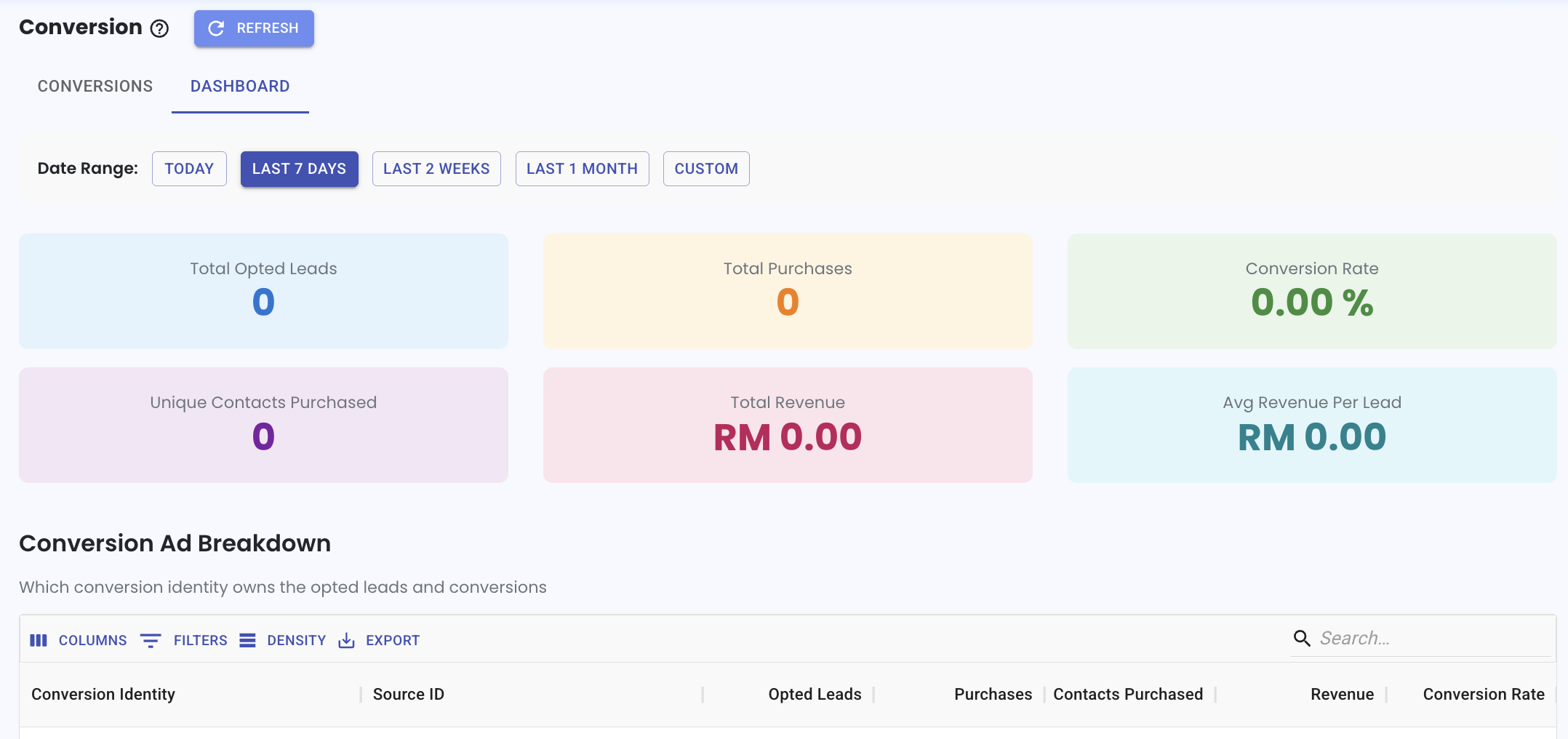
Track Leads by Date Range in Conversion 📅
What’s New:
You can now view how many leads are generated from your ads based on a selected date range. 📊
This gives you a clear overview of lead performance within a specific time period in one view.
What it means to you:
You can easily compare how your ads are performing across different time ranges. 👀
This helps you understand trends and track whether your campaigns are improving over time.
How you can go about it:
Go to the Conversion module
Click the eye icon to view conversion details
Click on Dashboard
Select your preferred date range such as Today, Last 7 Days, or Custom
The dashboard will update based on the selected date range to show the leads generated.