Test Your AI Agent with an Allowlist ✨
What’s New:
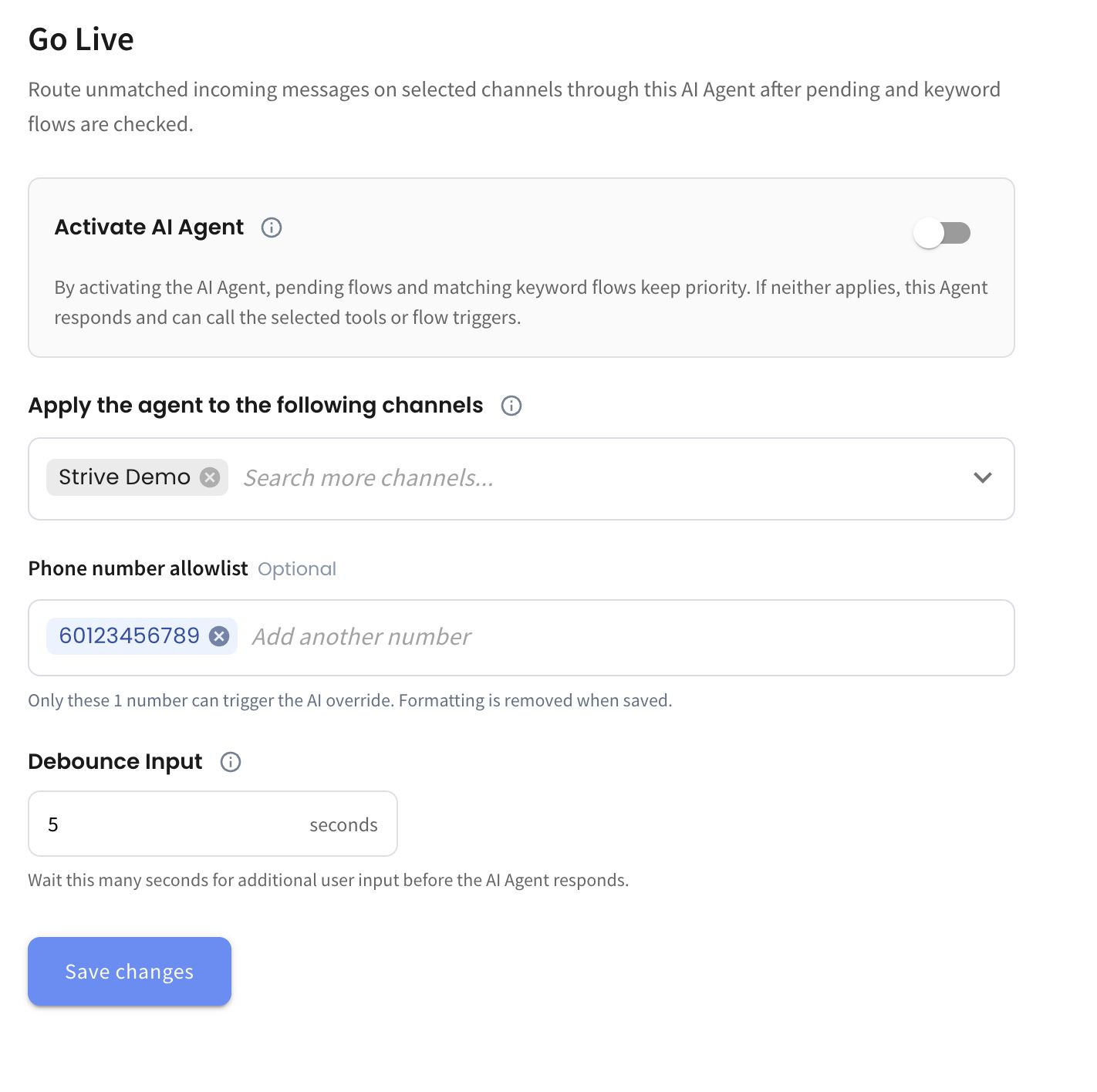
We’ve added a Phone Number Allowlist under Go Live, allowing you to specify which phone numbers can trigger the AI Agent. 📱
What it means to you:
You can now Go Live with your AI Agent for selected numbers only, making it easier for your team to test the Agent in a live environment before fully rolling it out to all customers. 🧪
How you can go about it:
Head to the Agent Module and select your Agent.
Click Go Live and select the channel you want to apply the Agent to.
Under Phone Number Allowlist, enter the phone numbers you want to use for testing.
Activate the AI Agent and click Save changes.
Only the numbers in the allowlist will be able to trigger the AI Agent. 🚀