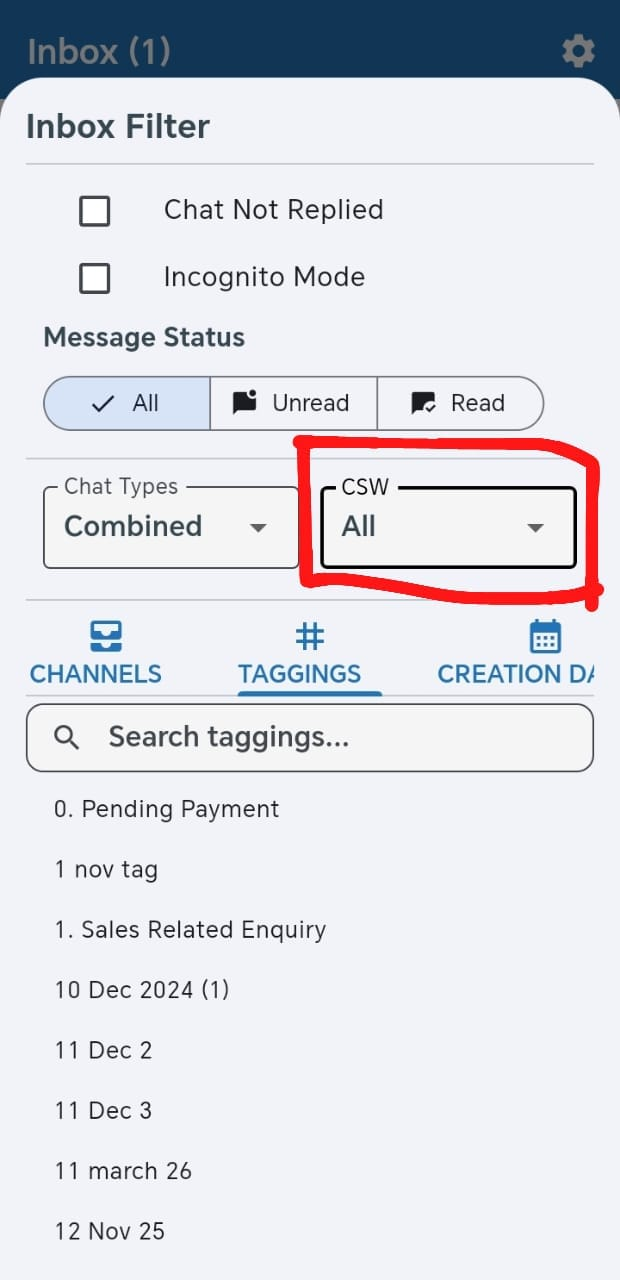
Filter Active and Expired Chats in Strive GO 🔎
What's New:
We've added a CSW (customer service window) filter to the Strive GO Inbox. Choose Active, Expired or All to view conversations by their service-window status.
What it means to you:
Keep expired chats out of your active working list so you can focus on current conversations. Switch to Expired whenever you need to review chats with a closed service window.
How you can go about it:
Open your Inbox in Strive GO.
Tap the filter icon above the chat list and find CSW.
Select Active, Expired or All to update your chat list.