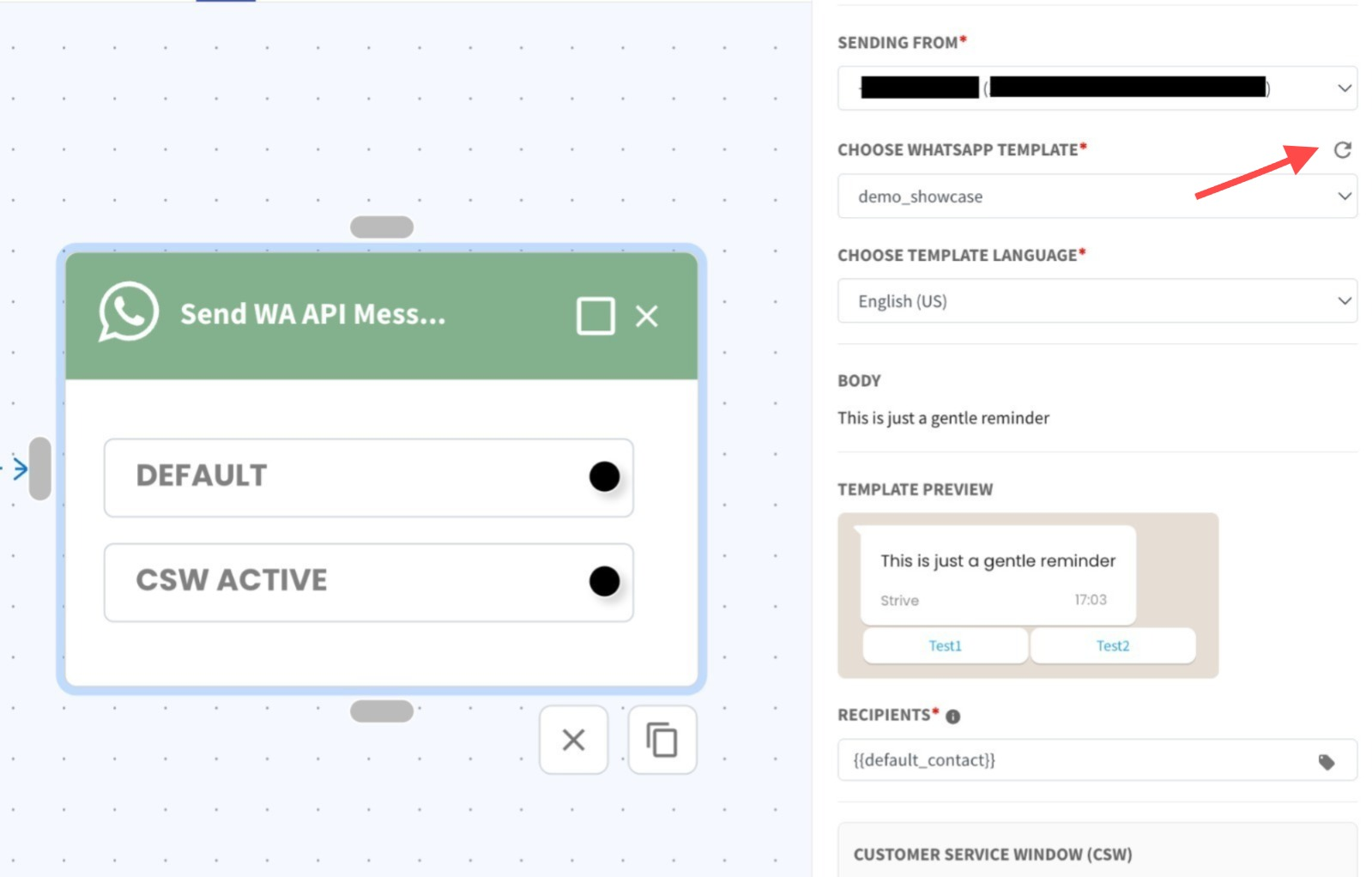
Refresh Templates with One Click 🔄
What’s New:
You can now refresh WhatsApp API templates directly in Flowbuilder with a single click. 🎯
What it means to you:
No more switching the sender channel just to update your template list. 😊 This saves time and keeps your workflow smooth. ✨
How you can go about it:
Open the Send WhatsApp API Message action in Flowbuilder
Click the refresh icon next to the template field
Open the Choose WhatsApp Template dropdown to see the updated list instantly 🚀