Closing a Ticket Now Marks Chat as Read 💬
What's New:
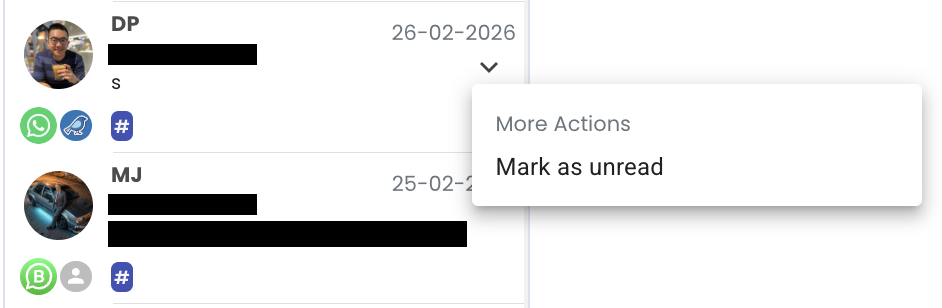
When you close a ticket, the chat will now be automatically marked as read. This means you no longer need to open the chat first just to mark it as read before closing the ticket. Simply click the Close Ticket function and the chat will be marked as read at the same time.
This small improvement makes ticket handling more smooth and efficient. It removes the need for extra clicks when managing conversations in the inbox. Your chat list will also stay cleaner because closed tickets will no longer appear as unread. ✨
This enhancement helps you manage tickets faster and keep your inbox organized while handling conversations more efficiently. 👍