🔗 Auto Link Inbox Ticket to Contact
What's New:
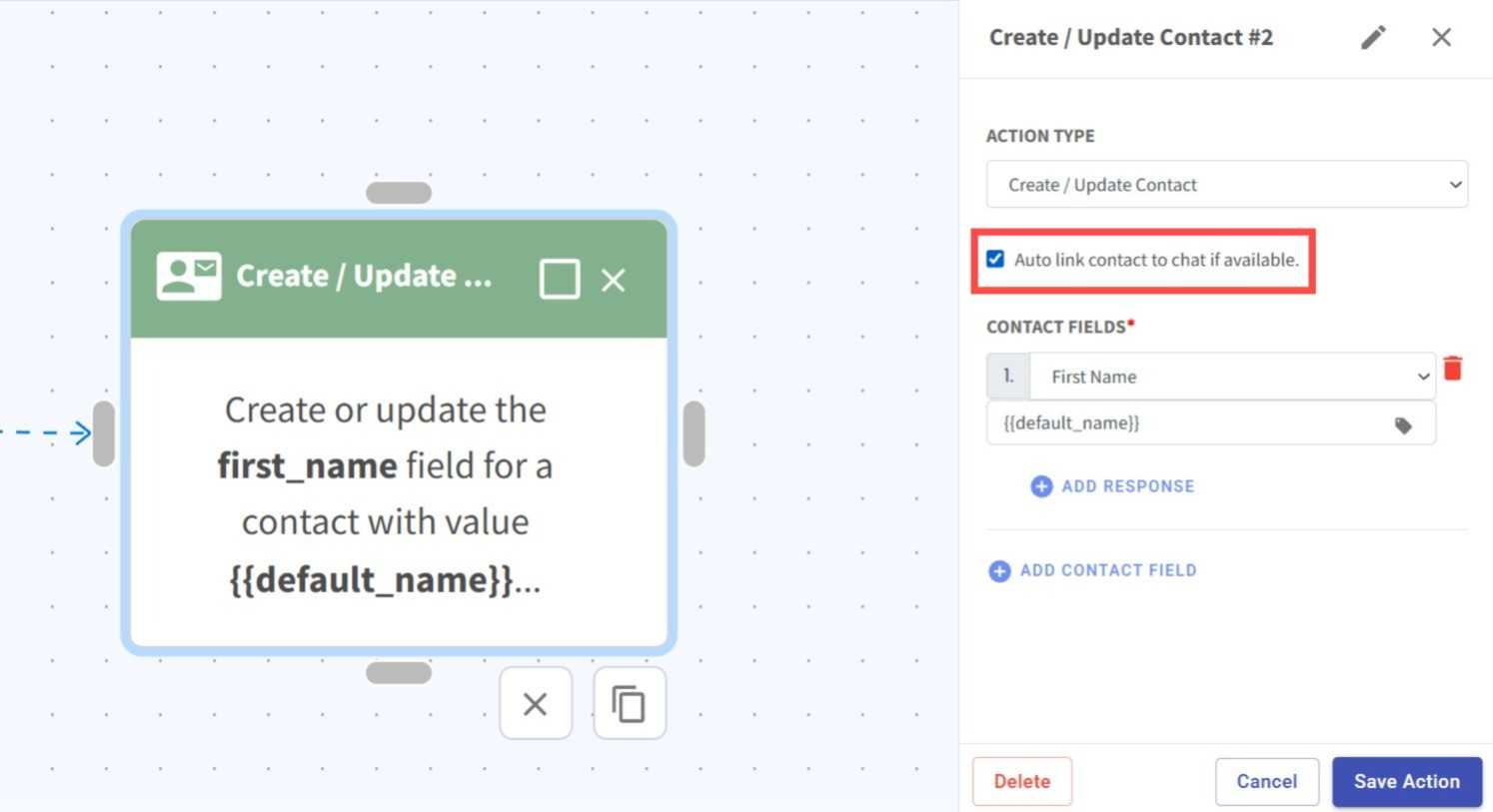
We added a new Auto Link Contact option in the Create/Update Contact action in Flowbuilder. 🎉
What it means to you:
Previously, the action only created or updated contact details. With Auto Link Contact enabled, the inbox ticket will now be automatically linked to the contact while creating or updating the contact, making it easier to keep conversations and contact records connected. 🔄
How you can go about it:
Go to the Flowbuilder Module and add or edit a flow.
Add or edit the Create/Update Contact action.
Enable the Auto Link Contact option.
Configure the remaining action details and save your changes. ✅