Display Company Name in Contact View 🏢
What's New:
You can now choose to display the Company Name in your contact view. 📇
This new option allows you to see which company a contact belongs to directly in the list. It gives you better context when managing multiple contacts across different businesses.
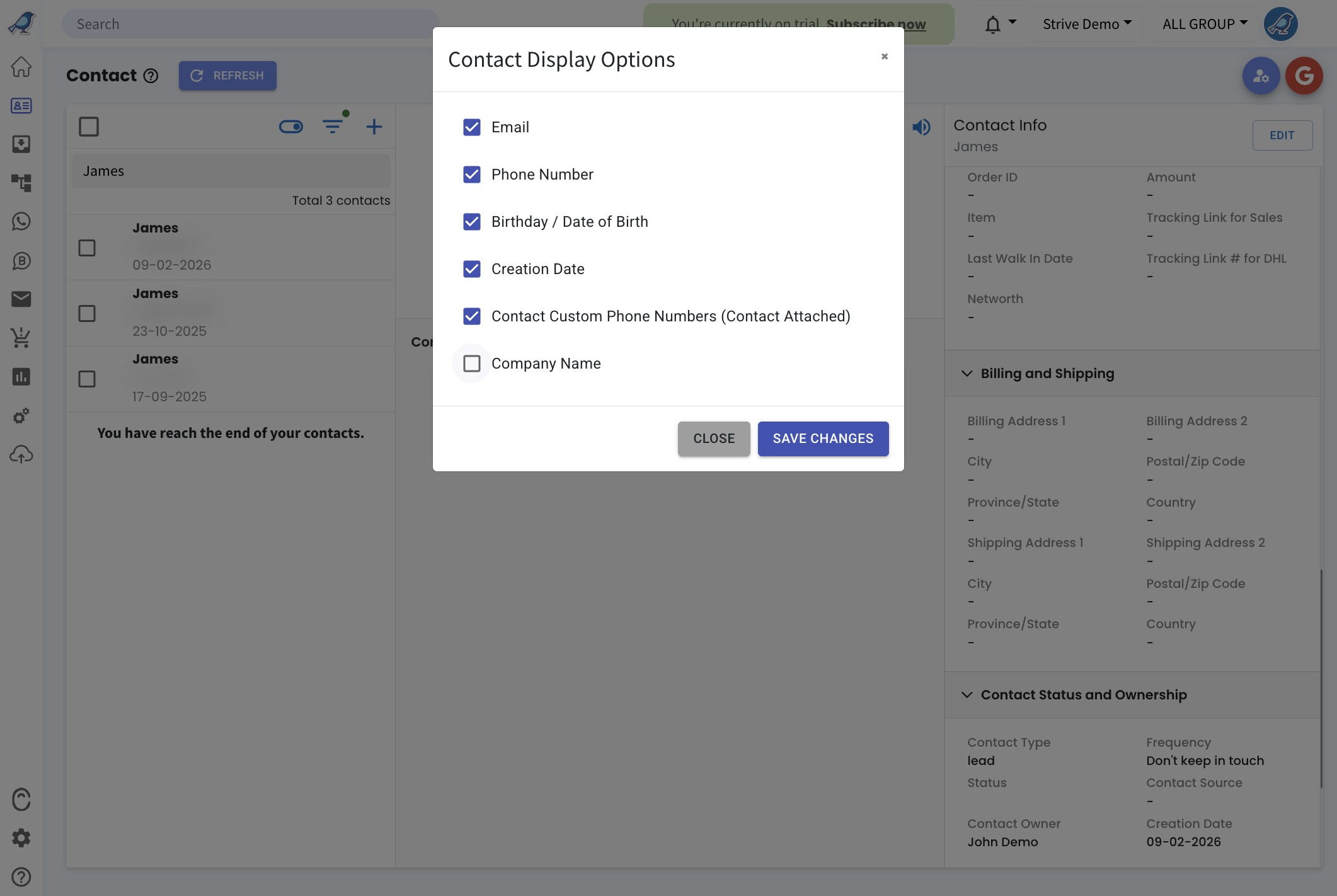
To enable this, click the toggle icon on the left column, select the fields you want to display, then click Save Changes. ⚙️
Once enabled, the company name will appear together with the contact details. 👀
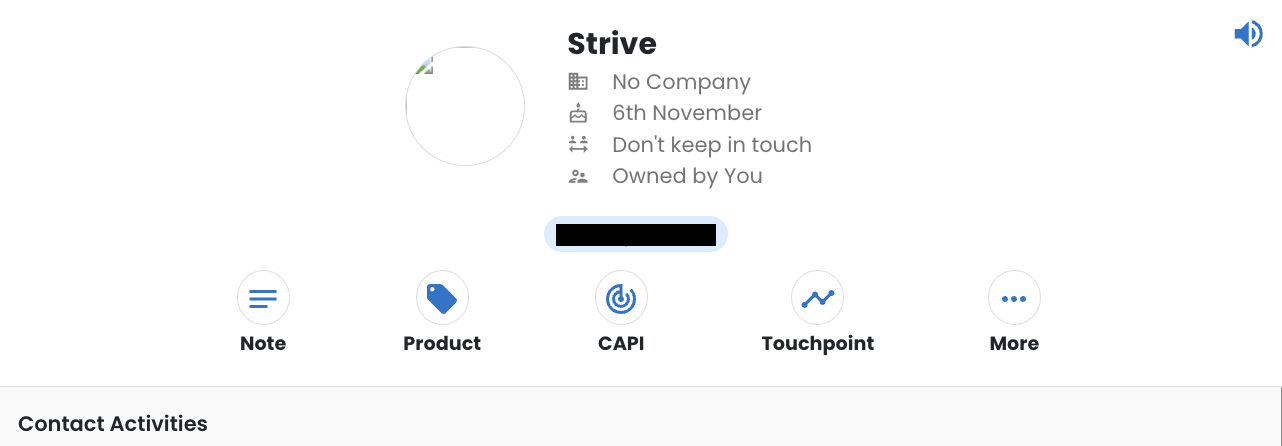
This helps you quickly identify contacts by their company and manage your contacts more clearly.