🤖 AI Agents Can Now Log CAPI Events
What's New:
You can now configure your AI Agent to automatically log CAPI events using the new Log CAPI Event tool. 🎉
What it means to you:
Track purchases and other conversion events made through your AI Agent more accurately. This helps keep your CAPI data complete for reporting and ad optimization. 📊
How you can go about it:
Go to the Agent Module and open your AI Agent.
Click the Tools tab.
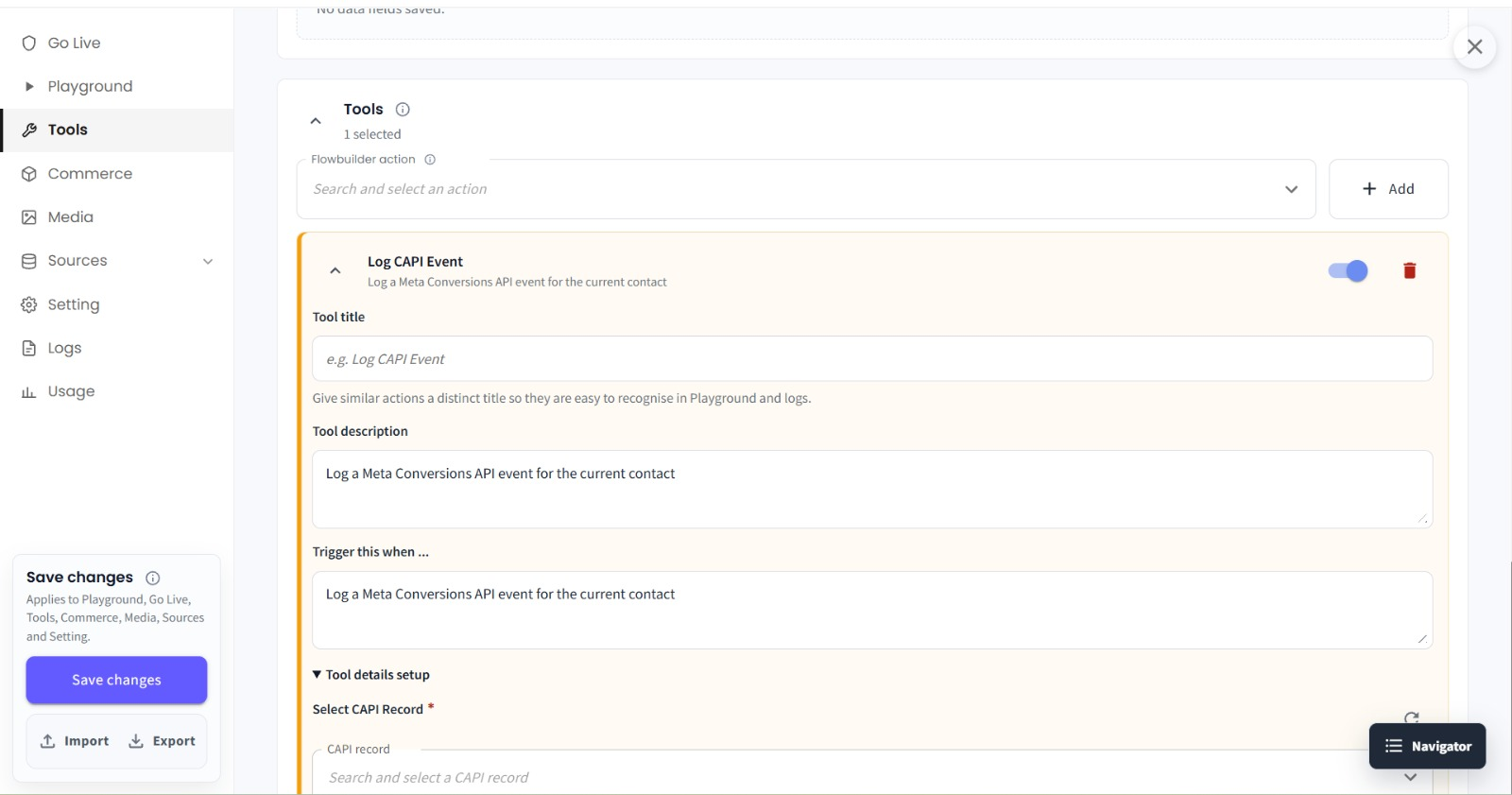
Under the Tools section, select Log CAPI Event.
Fill in the required tool details, such as the Tool Title and when the tool should be triggered.
After completing the tool details, click Save Changes in the bottom-left corner. 💾