WhatsApp API Buttons & Message Formatting Preview Update 🎯
What’s New:
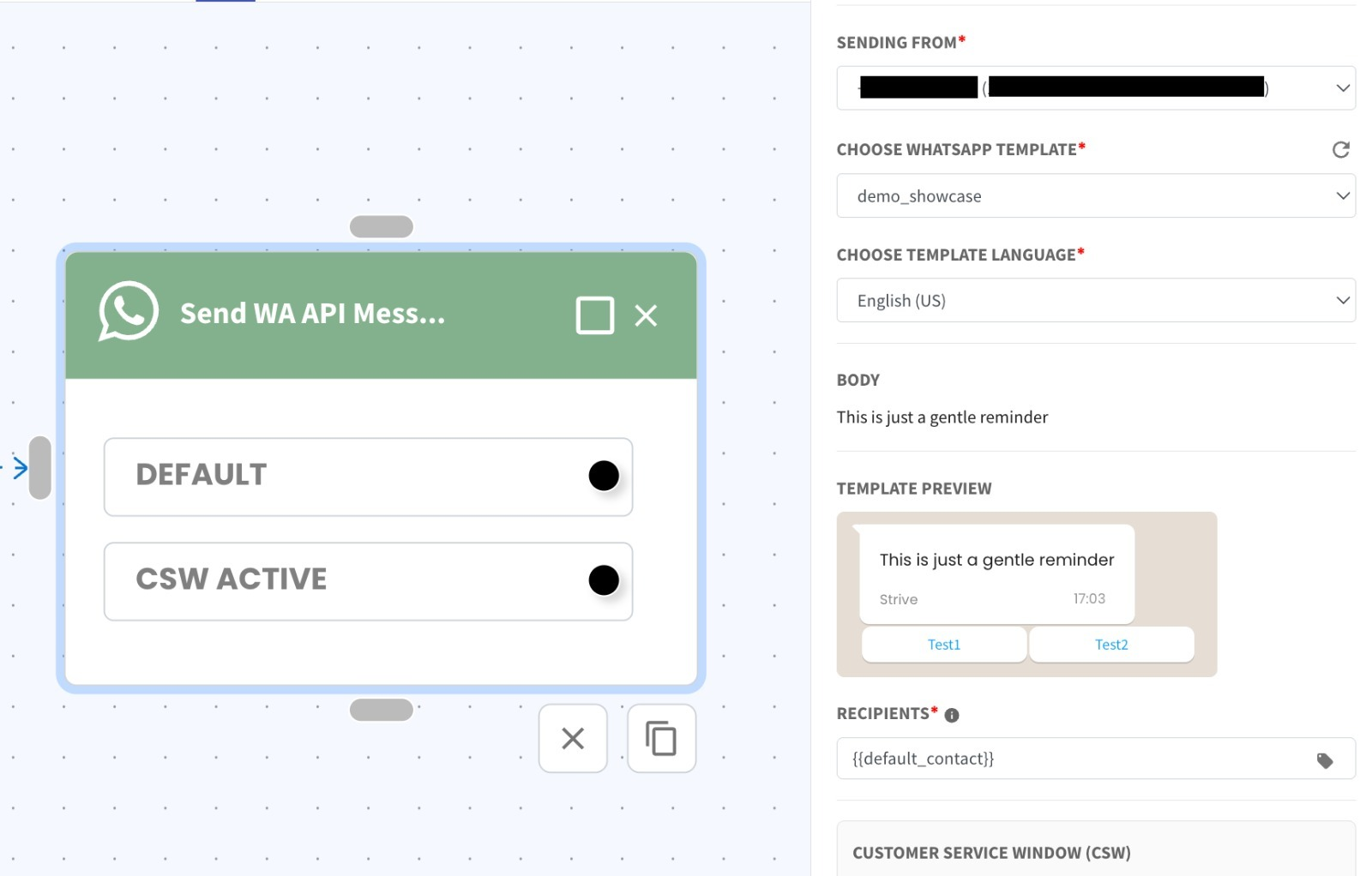
You can now see real-time previews for WhatsApp API button templates, including improved text formatting support 🧩
Button templates are displayed directly in the action preview screen
Bolded and italic text formatting is now shown in the preview ✨
What it means to you:
This gives you a clearer and more accurate preview of your message before sending. You can now easily verify both button layout and formatted text (bold / italic) to ensure everything appears correctly 👍
How you can go about it:
Select send WhatsApp API message action in flow.
Select the template.
The preview will automatically display both buttons and formatted text in the action panel 🚀