Text & Image Message Order 📝🖼️
What's New:
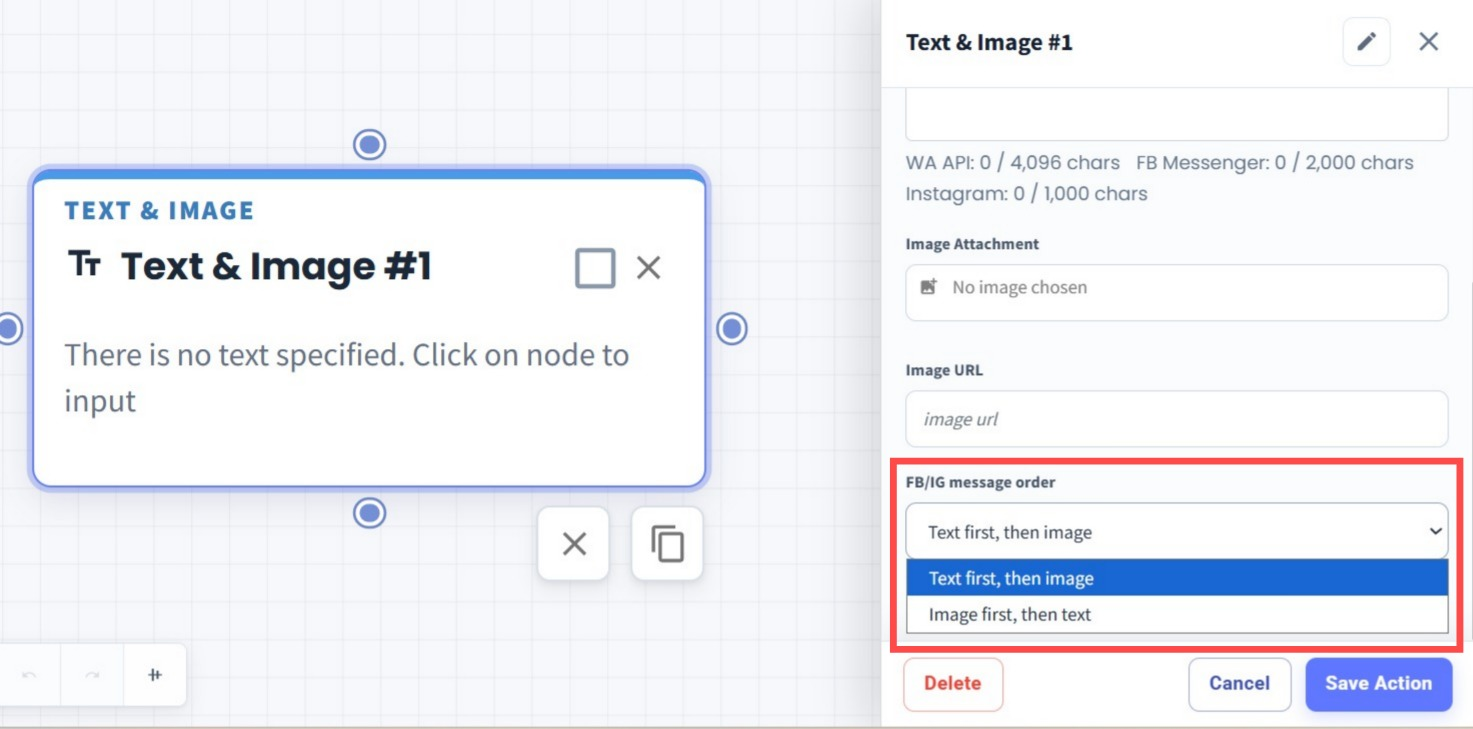
We’ve added a new Message Order option to the Text & Image node in Flowbuilder for Messenger and Instagram.
What it means to you:
You can now choose whether the text or image should be sent first, giving you more control over how your messages appear to contacts.
How you can go about it:
Go to Flowbuilder and add or edit a Text & Image node.
Under FB/IG message order, choose:
Text first, then image
Image first, then text
Save the action and the selected message order will be applied when the flow sends the message.