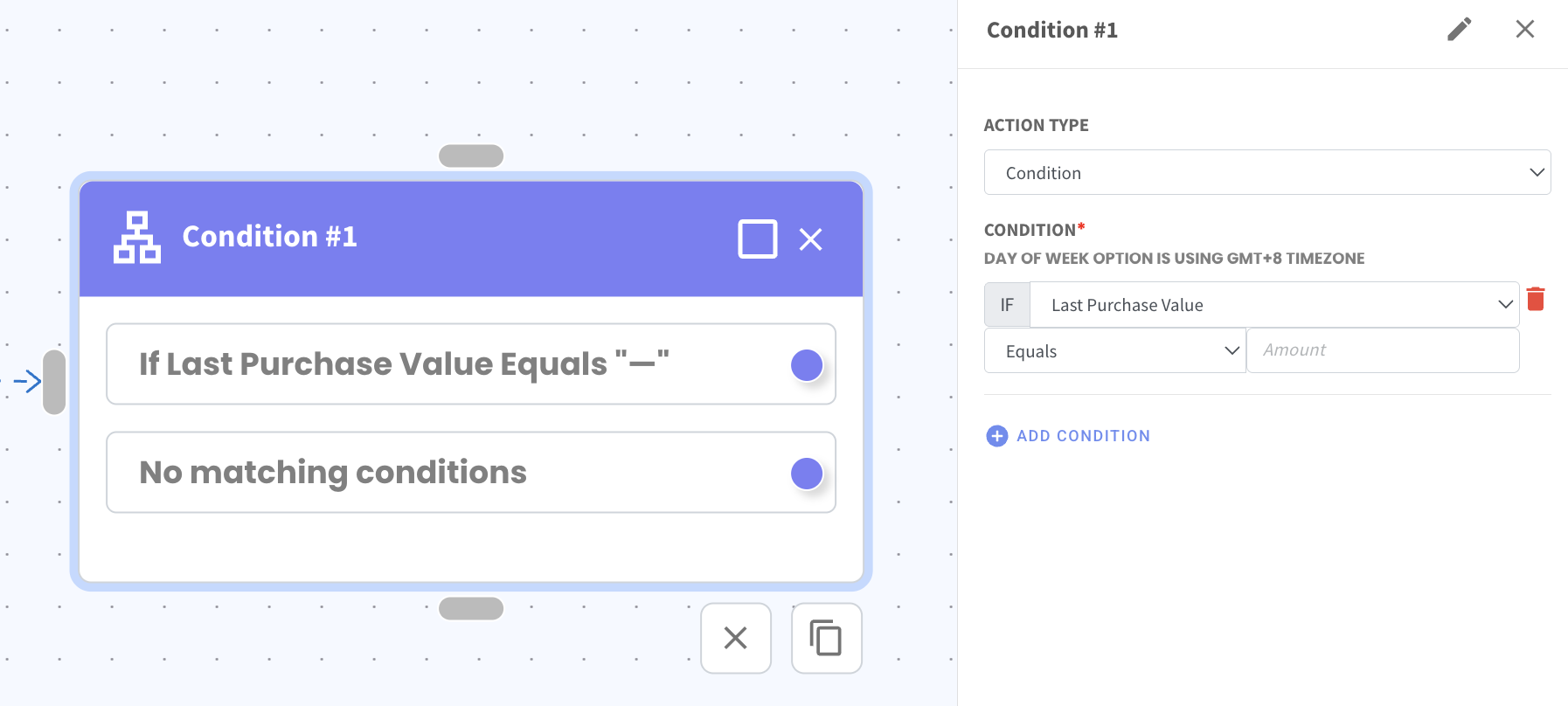
Set Conditions Based on Last Purchase Value in Flowbuilder 💰
What's New:
You can now create a condition in Flowbuilder based on a contact’s Last Purchase Value. 🧾
This allows your flow to check the amount of the contact’s most recent purchase before deciding what action should happen next. It helps you create more targeted automation based on how much a contact has spent.
When setting the condition, you can choose different comparison options such as Equals, More Than Equals, Less Than Equals, or Not Equals to the value you enter. For example, you can set the flow to continue only if the Last Purchase Value equals a specific amount.
This helps you build flows that react differently based on customer spending, making your automation more relevant to each contact.