Automatically Add Data to Google Sheet from Flowbuilder 📊
What's New:
You can now directly add a new row into your Google Sheet using Flowbuilder.
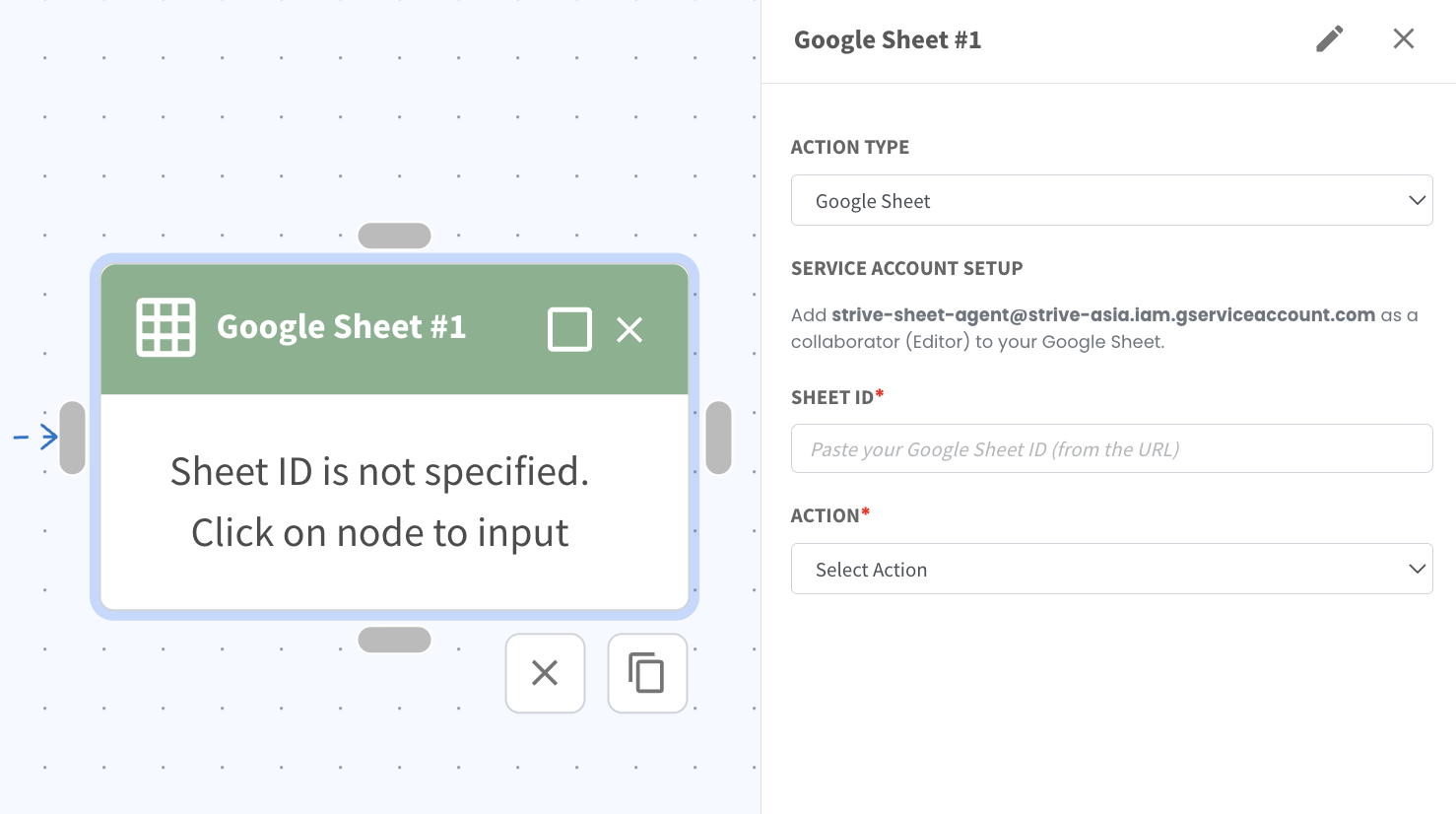
Just set up your flow, select the action Google Sheet, then complete the required setup such as adding the Sheet ID and choosing the action. You will also need to add the provided service account email as an Editor to your Google Sheet.
Once connected, the flow can automatically send data such as contact details, responses, or purchase information into your selected sheet. Each time the flow is triggered, a new row will be added based on the information you map. This keeps your records updated in real time without manual copying and pasting. 📋