Save Email Templates as New Copies 🗂️
What's New:
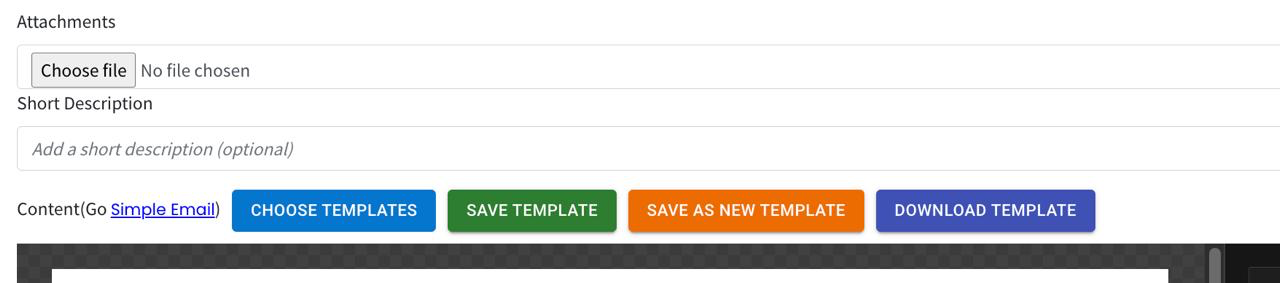
When you make changes to an existing email template, you now have the option to save it as a new template. You can choose to either overwrite the original or keep it and save a new copy. 💾
What it means to you:
You no longer have to worry about losing your original template when making edits. This gives you more control over how your templates are managed, keeping things organised and flexible. 📁
How you can go about it:
Choose an existing email template and make your changes
Click the save option and choose to overwrite or save as a new template
Your new template is saved separately, leaving the original intact 🎉