Set Custom Reply Timing with Flowbuilder Debounce ⏱️
What's New:
You can now set how long Flowbuilder should wait before capturing your contact’s reply using a custom debounce setting. 💬
This controls how replies are grouped together when a contact sends multiple messages within a short time. It helps the flow understand the full response instead of treating each message separately.
For example, if you set the debounce to 4 seconds, any messages sent within those 4 seconds will be combined and treated as one response for the Wait For Reply action. 📩
This ensures the flow captures the complete reply before moving to the next step.
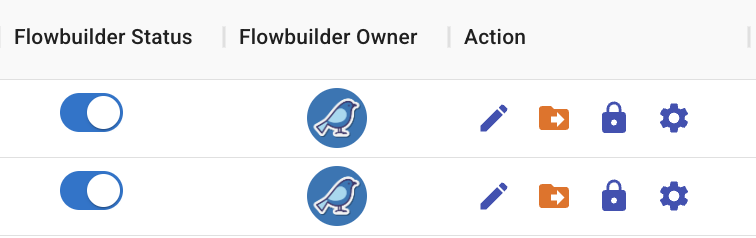
If you want to apply this setting across all flows, click on the Settings button and set the debounce duration in seconds.

If you prefer to set it for a specific flow only, click on the gear icon inside that flow and adjust the duration. ⚙️
This helps your automation capture replies more accurately and prevents messages from being split into multiple responses.