Facebook Comment Trigger Now Supports Dark Posts 🎯
What's New:
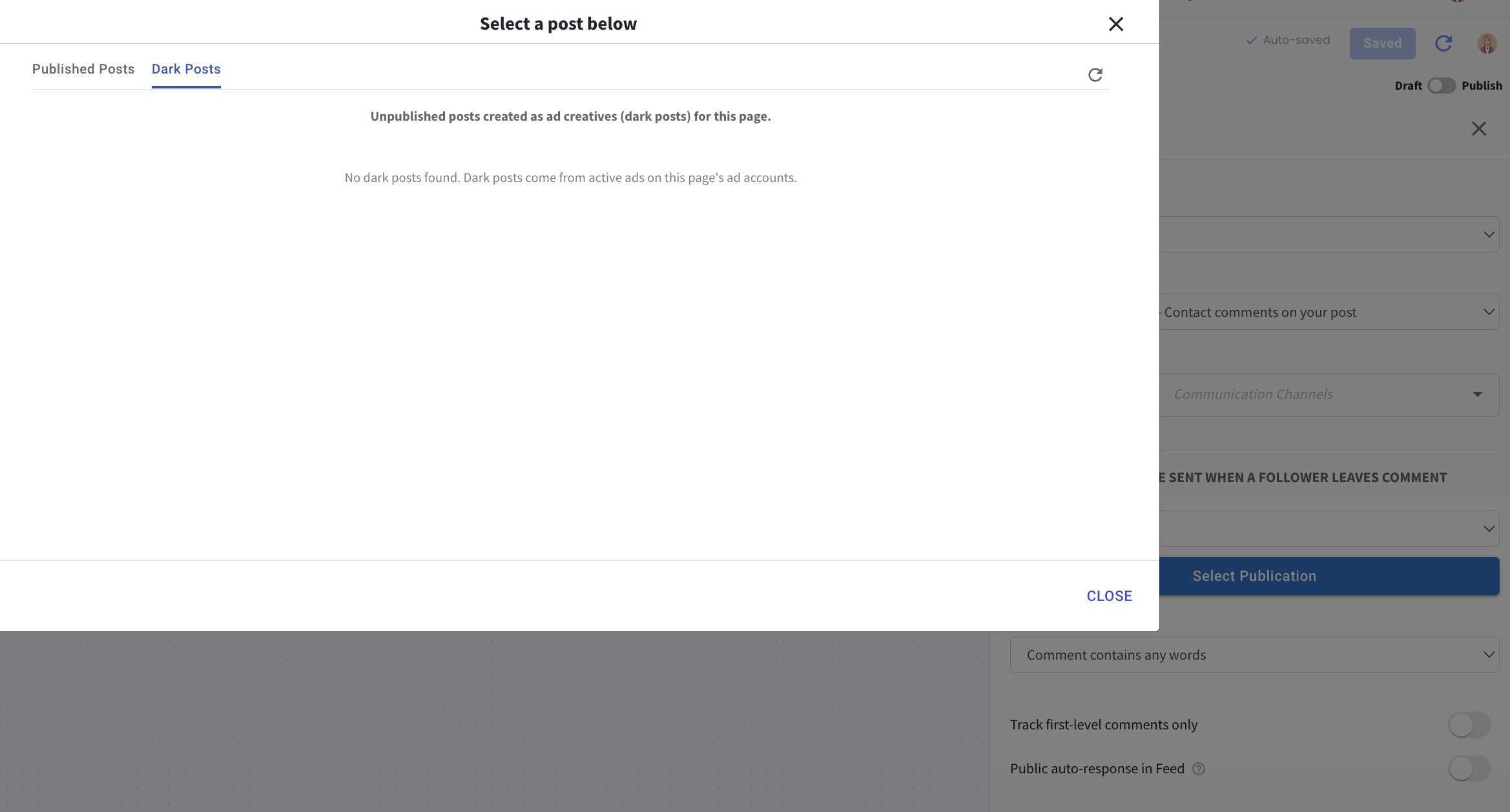
You can now select Dark Posts when configuring a Facebook Comment Trigger in Flowbuilder 🎉
What it means to you:
This allows you to automate responses for comments on Dark Posts, expanding your Facebook comment automation beyond organic posts 👍
With this enhancement, you can:
✅ Select Dark Posts in Facebook Comment Triggers
✅ Automate responses for comments on Dark Posts
✅ Create engagement flows for Facebook ad campaigns
✅ Manage comment automation more effectively 🚀
How you can go about it:
Go to Inbox Module > Chat Channels > Connect Now and reconnect your Facebook page.
Go to Flowbuilder and create or edit a flow.
Select Facebook as the trigger.
Choose Post, then navigate to the Dark Posts tab.
Select your Dark Post and configure the flow.
Save and publish your flow 🚀