Block Contacts Directly from Inbox Chat 🚫
What's New:
You can now block a contact directly from the Inbox if needed. 😊
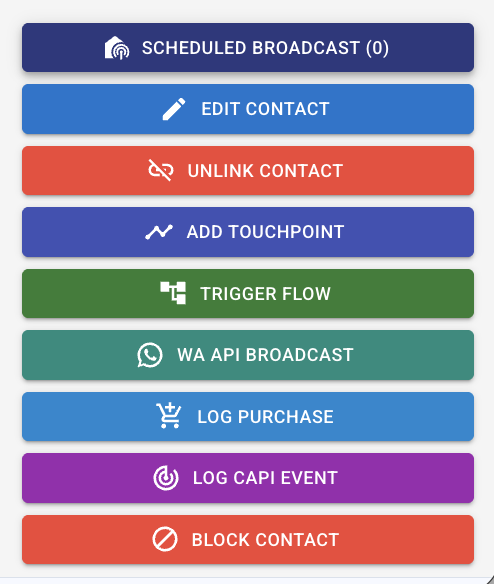
Simply open the chat, then scroll to the right column where you will find the Block Contact button. This allows you to quickly stop unwanted messages from a contact without leaving the conversation view.
Once a contact is blocked, they will no longer be able to send messages to that channel. You will also not be able to send outgoing messages to the contact while the block is active. If needed, you can unblock the contact later. 📱
Note: This feature is available for WA API, Instagram, and Messenger channels only.
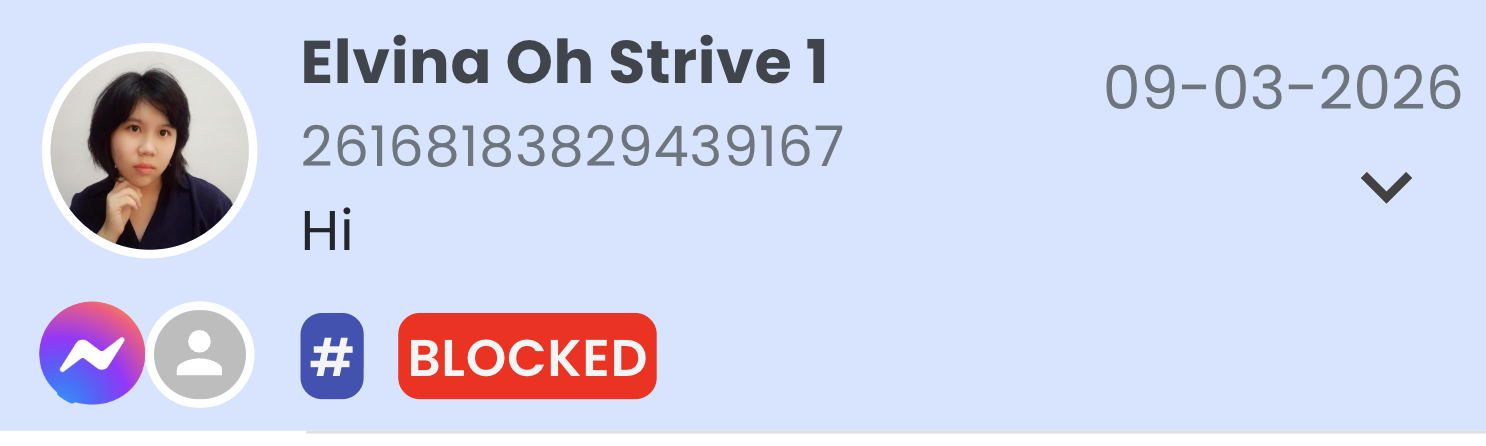
When a contact is blocked, the chat will display a Blocked label so you can easily identify it.
This helps you manage unwanted or spam conversations more easily and keep your Inbox organized.