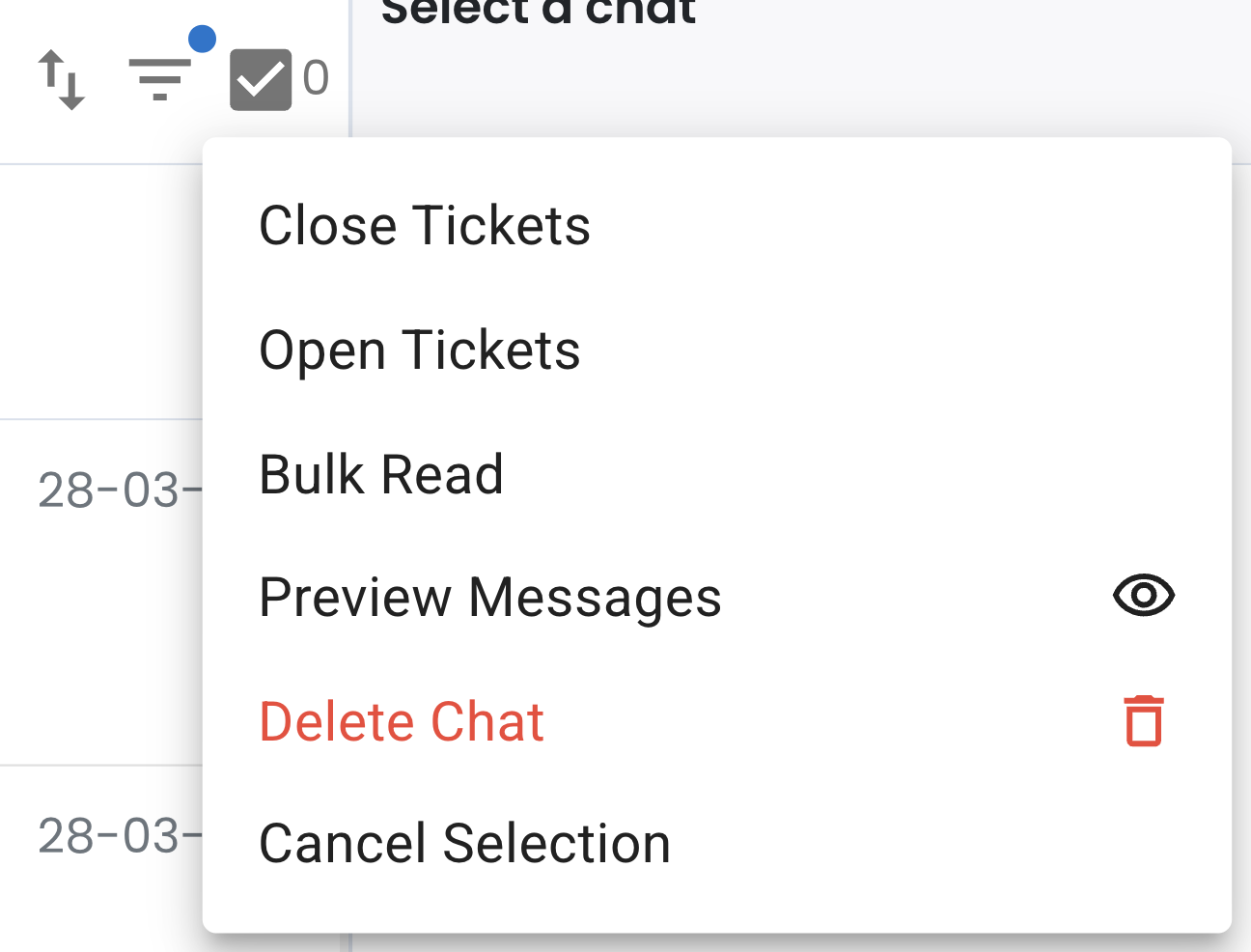
Delete Chat in Inbox 🗑️
What's New:
You can now delete chats directly from your Inbox. This gives you more control over managing your chats. ✨
What it means to you:
Removing unwanted chats helps keep your Inbox clean and organised.
Once a chat is deleted, it cannot be undone, so make sure you are selecting the right one. ⚠️🧹
How you can go about it:
Head over to Inbox and click the checkbox icon.
Select the chat(s) you want to delete.
Click the checkbox icon again, then choose "Delete Chat" from the options.
You can also refer to this guide for the detailed steps: Delete Chat