Add Messenger Broadcast Subscribers to a List ✨
What’s New:
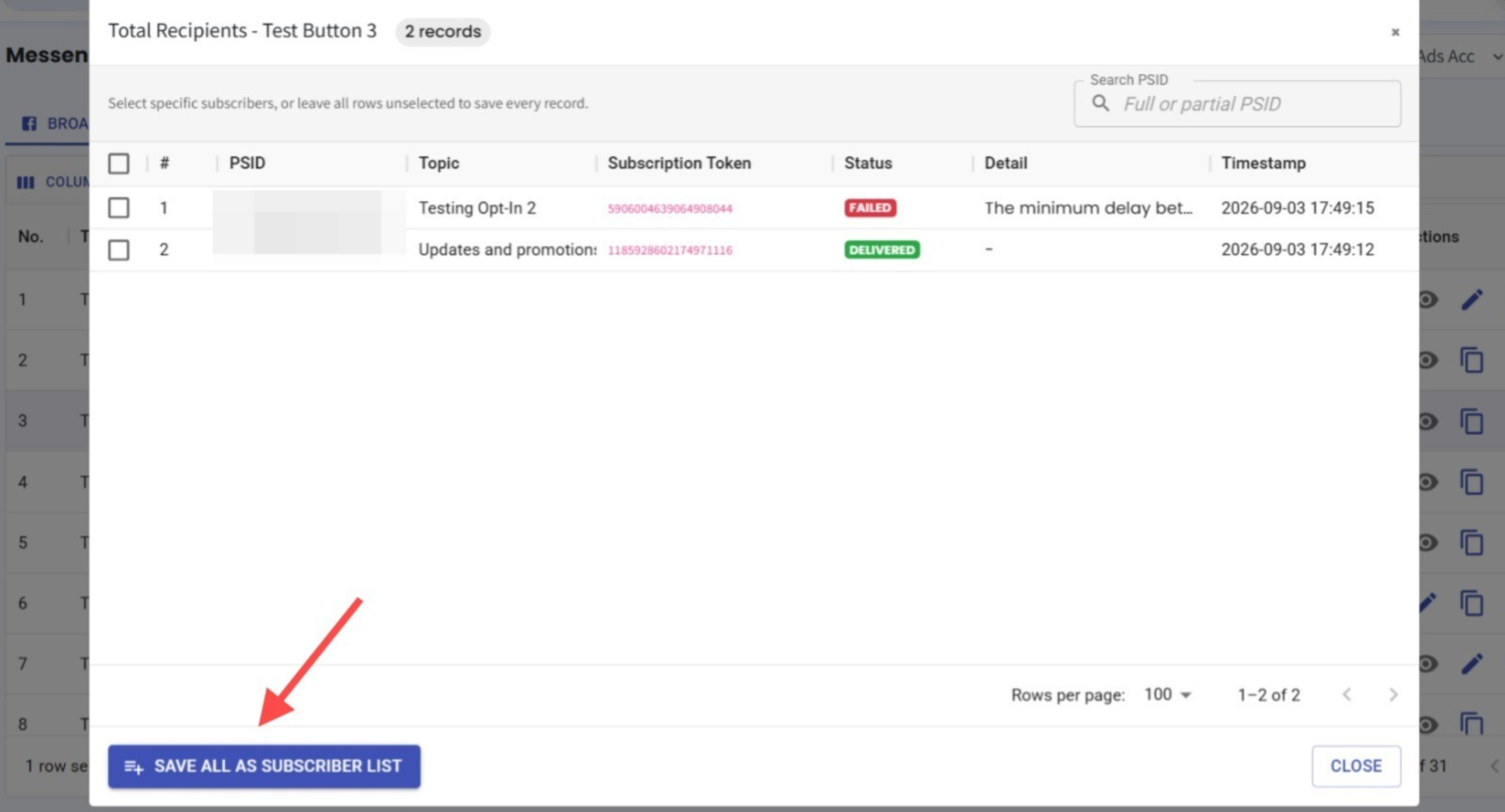
You can now add subscribers from your Messenger Broadcast stats directly to a Contact List. 📋
What it means to you:
This makes it easier to group subscribers based on their broadcast status, so you can follow up with specific audiences or include/exclude them in future broadcasts. 🎯
How you can go about it:
Head to Messenger Broadcast.
Double-click on the number under the relevant broadcast stat, such as Sent, Delivered, Read, Clicked, or Failed.
Select the subscribers you want.
Add them to a Contact List for future follow-ups or broadcast inclusion/exclusion. 🚀