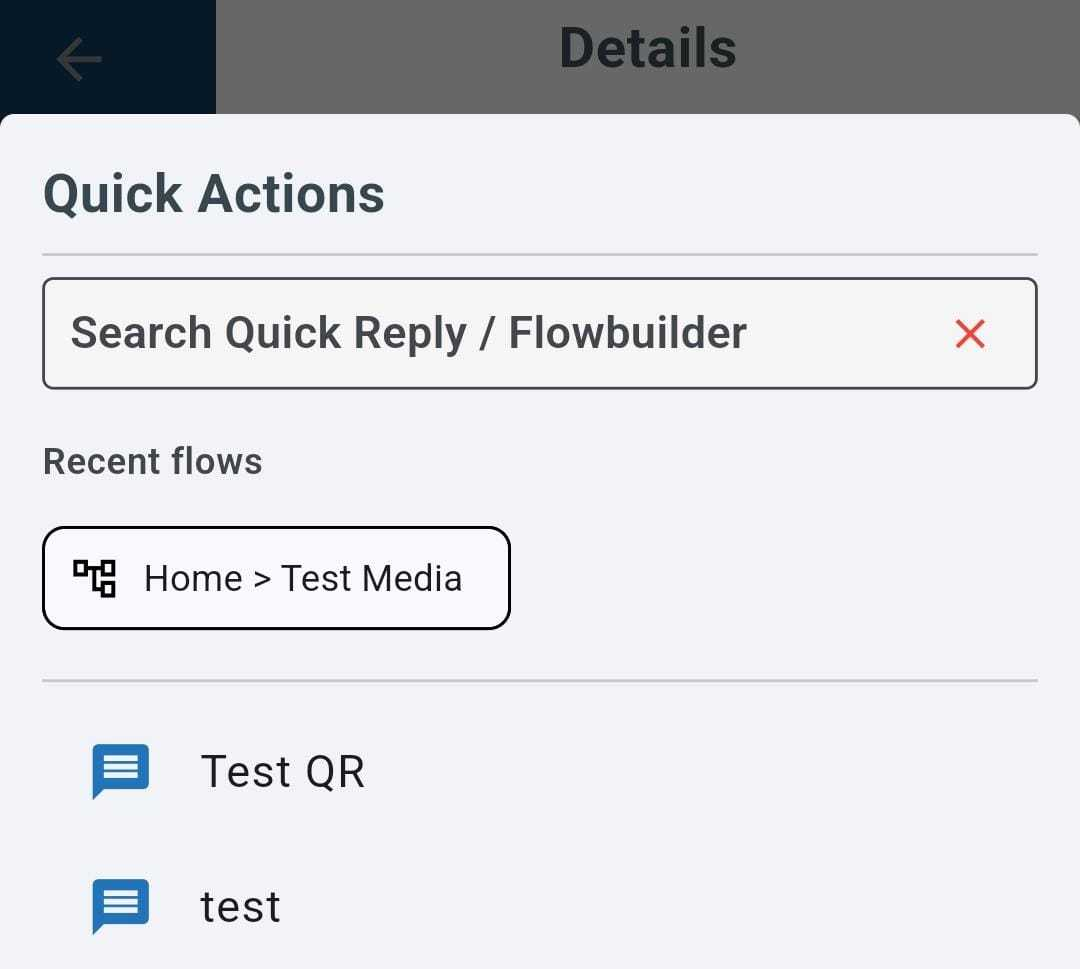
Recent Triggered Flows in Strive GO ✨
What’s New:
We’ve added a Recent Triggered Flows option in Strive GO. After you trigger a flow, it will appear under your recent flows the next time you want to trigger a flow. 📱
What it means to you:
You can quickly access flows that you’ve recently used without having to search for them again, making flow triggering more convenient and time-saving. ⚡
How you can go about it:
Make sure Strive GO is updated to the latest version.
Go to Inbox and tap the gear icon at the top right.
Scroll to the bottom and find Show Recent Triggered Flows.
Turn the option on or off based on your preference.
Once enabled, your recently triggered flows will appear under Recent Flows when you trigger a flow. ✅