Activate & Deactivate Multiple Flows ⚡
What's New:
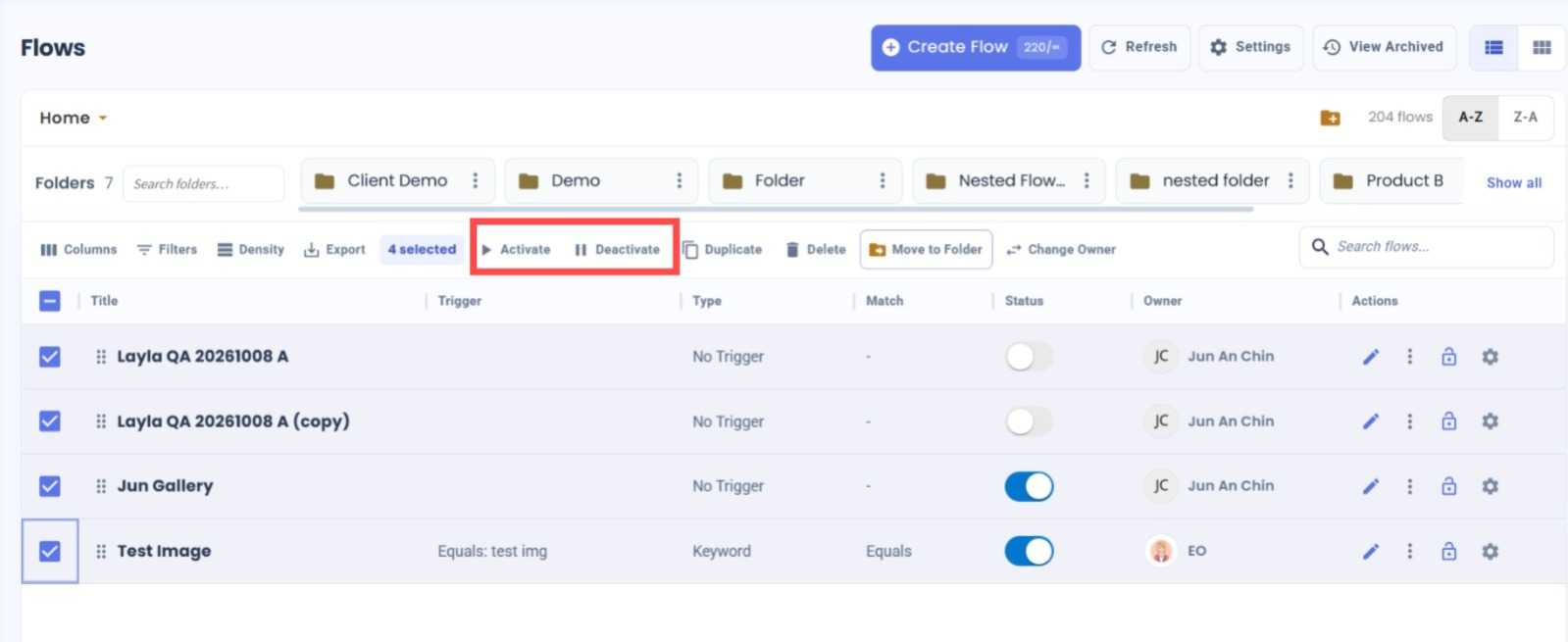
You can now activate or deactivate multiple flows at once directly from the Flow Module.
What it means to you:
No more updating each flow individually. Simply select multiple flows and activate or deactivate them all in one go, making flow management faster and easier. 🚀
How you can go about it:
Go to the Flow Module.
Select the flows you want to update.
Click Activate to activate all selected flows, or Deactivate to deactivate them.
Done! Your selected flows will be updated at once. ✨