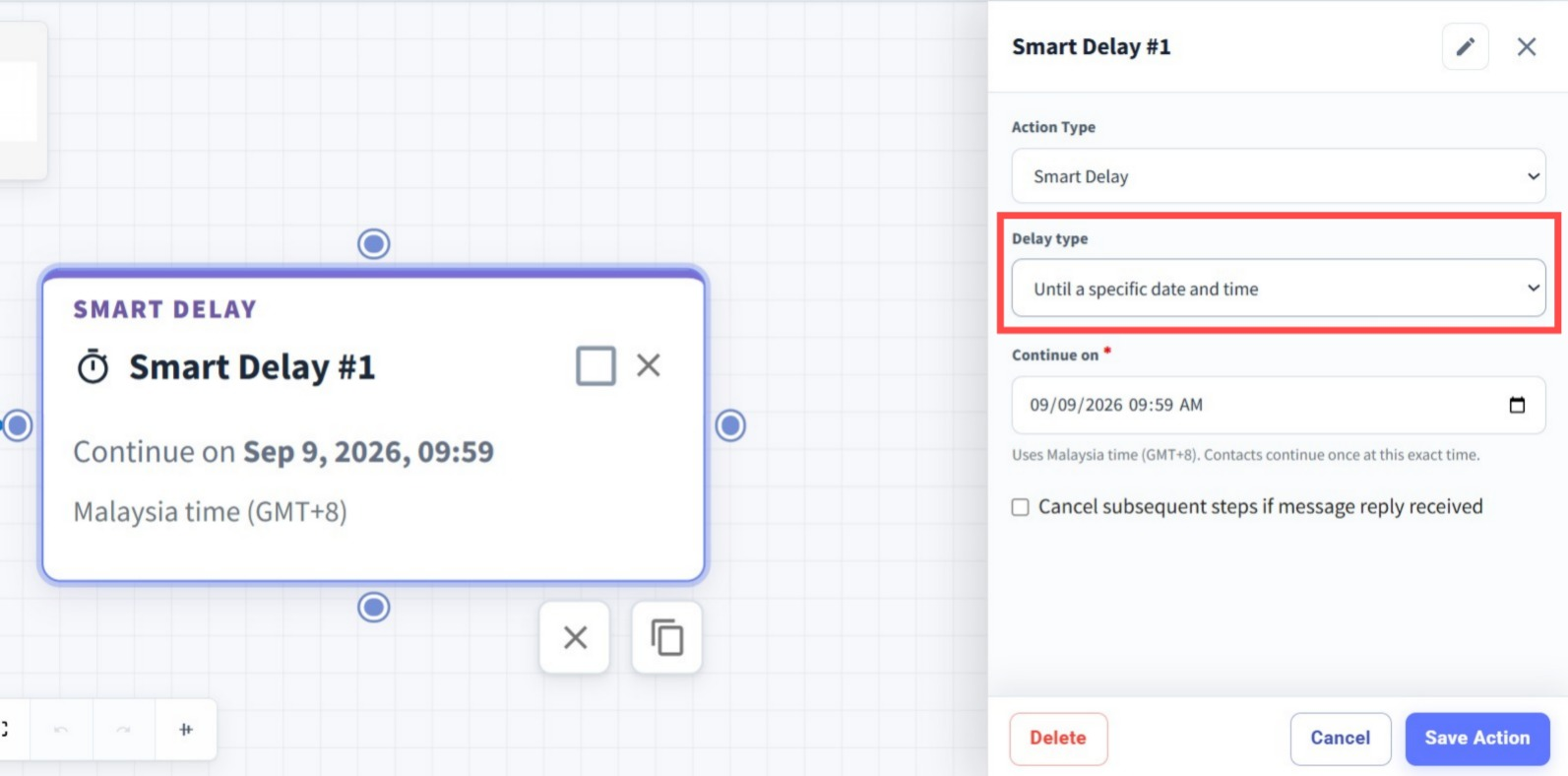
Smart Delay with Specific Date & Time ✨
What’s New:
We’ve enhanced the Smart Delay node with a new delay type. Besides delaying For a Duration, you can now select Until a Specific Date and Time. ⏰
What it means to you:
You can now set your flow to continue at an exact date and time, giving you more flexibility when scheduling follow-ups, reminders, or time-sensitive messages. 📅
How you can go about it:
Head to the Flows Module and create a new flow or edit an existing one.
Add or edit a Smart Delay node.
Under Delay Type, select Until a Specific Date and Time.
Set the exact date and time you want the flow to continue.
Save your changes and enable the flow. 🚀