Undo & Redo in Flowbuilder ↩️
What’s New:
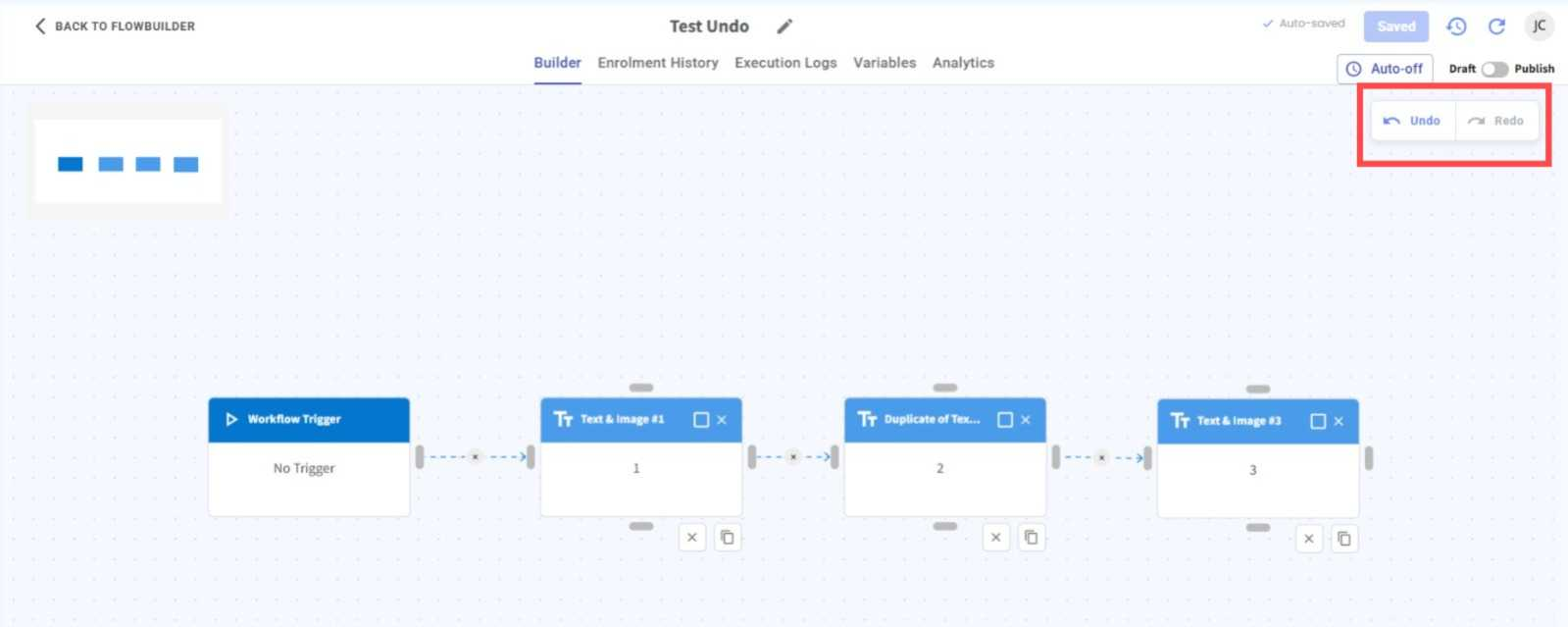
We’ve added Undo and Redo options in Flowbuilder, allowing you to quickly reverse or restore your recent changes. 🔄
What it means to you:
If you accidentally delete, move, or make changes to a node, you can simply undo the action instead of recreating it again. ✨
How you can go about it:
Head to Flowbuilder and edit your flow.
Click Undo to revert your previous action.
Click Redo if you want to restore the action you just undid. 🛠️