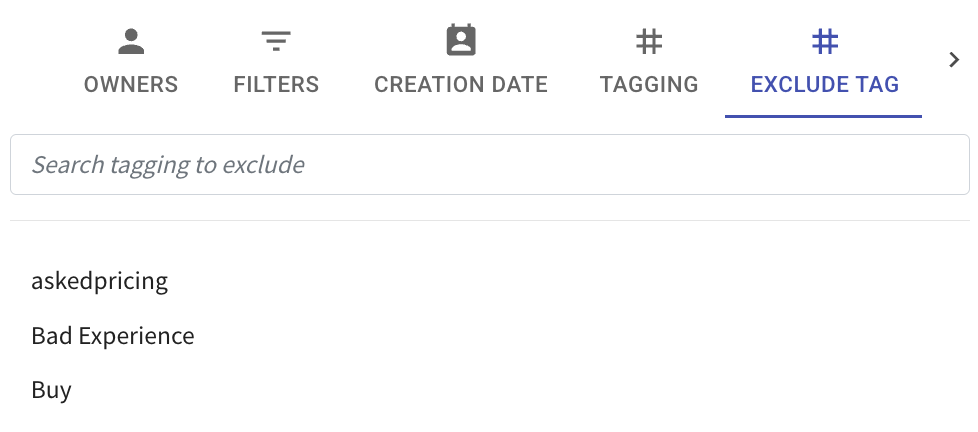
Contact Filter with Exclude Tag Option 🚫
What’s New:
You can now use the Exclude Tag option in the Contact filter. 🏷️
This allows you to filter contacts while excluding those with specific tags.
What it means to you:
You can focus only on the contacts that match your criteria without including unwanted tagged contacts. 🎯
This makes your contact filtering cleaner and more accurate.
How you can go about it:
Go to the Contact module
Click on the three horizontal lines
Select Exclude Tag
Choose the tag you want to exclude
Click Apply Filter
Example:
If you exclude the tag Cold Lead, contacts without this tag will be displayed.