Create & Link Contact in Strive Go Inbox 📥
What's New:
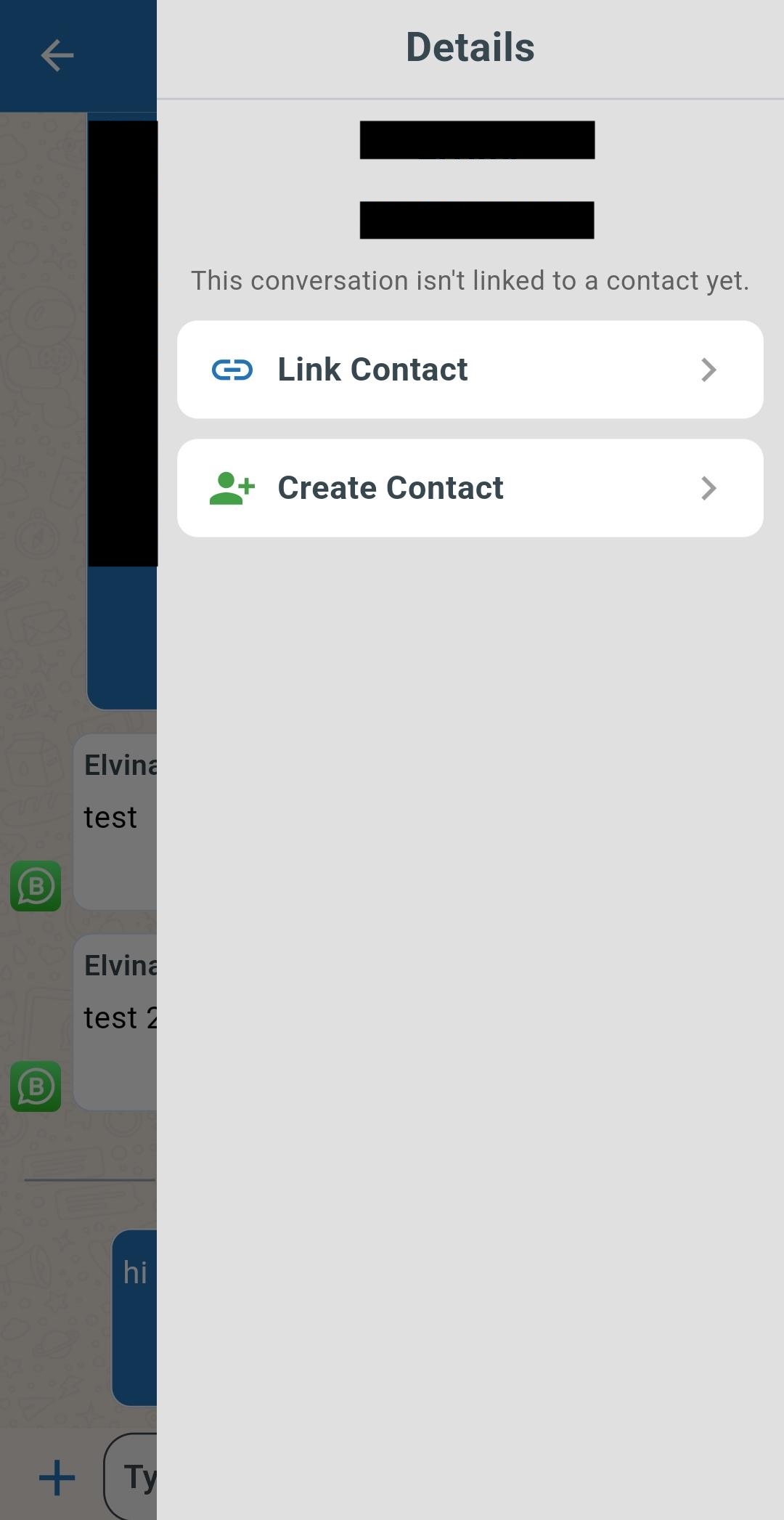
You can now create, link, and unlink contacts directly inside the Inbox chat in the Strive Go app 🎉
What it means to you:
Manage contacts without leaving the conversation. You can now create new contacts, link existing contacts, or unlink contacts directly while chatting ✨
With this enhancement, you can:
✅ Create new contacts instantly
✅ Link existing contacts to conversations
✅ Unlink contacts when needed
✅ Manage contacts without switching modules
✅ Keep conversations organized more efficiently 🚀
How you can go about it:
Open your Strive Go app and navigate to Inbox 📱
Enter a contact chat.
Swipe from the right side of the screen to the left.
You can now select Add Contact, Link Contact, or Unlink Contact ✨