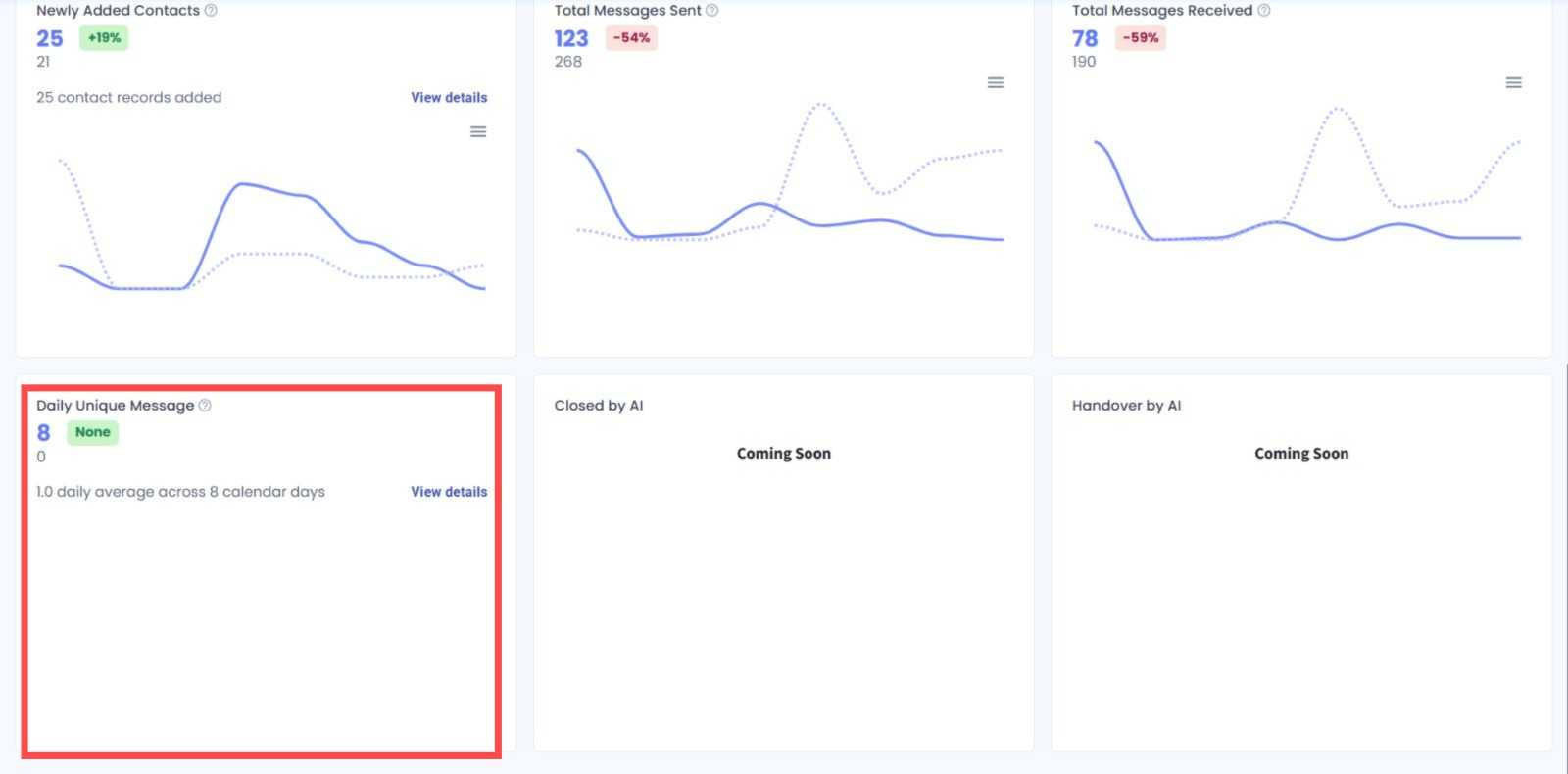
Daily Unique Messages in Inbox Analytics ✨
What’s New:
We’ve added a new Daily Unique Messages status card to Inbox Analytics. You can now track the number of unique contacts who messaged you during the selected period. 📊
What it means to you:
You can easily understand how many unique contacts are reaching out and view exactly which contacts messaged you on a specific date. 🔍
How you can go about it:
Head to Inbox Analytics.
Select your preferred date range and filters.
Locate the Daily Unique Messages status card.
Click View details.
Select a specific date to view the contacts who messaged you on that day. 🚀