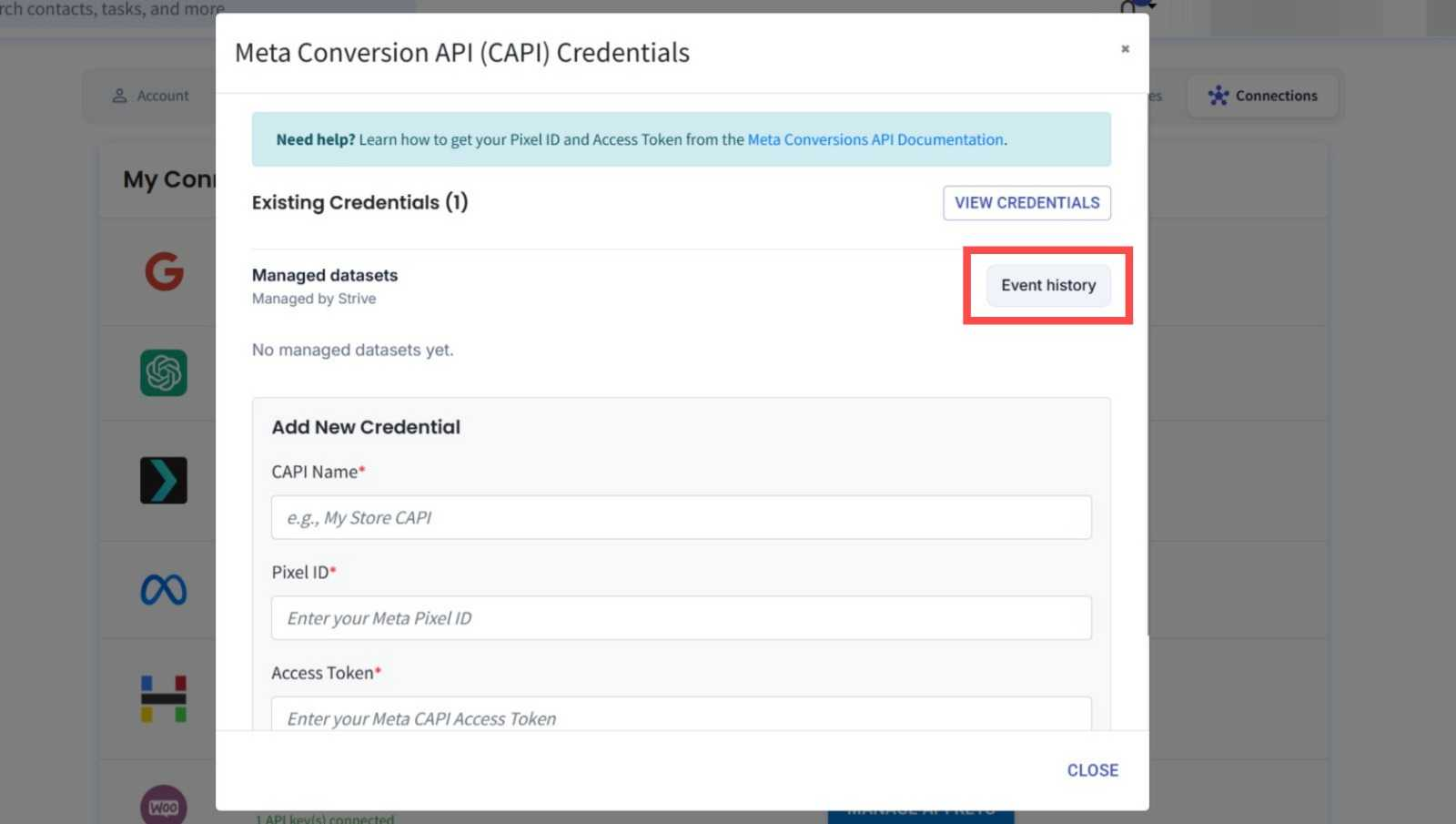
CAPI Event History 📋
What's New:
You can now view the CAPI events logged in Strive through the new Event History feature. 🕒
What it means to you:
You can easily check and review CAPI events that have been logged in Strive, giving you better visibility into your CAPI activity. 🔍
How you can go about it:
Go to Settings > Accounts > Connections > CAPI.
Click Event History to view your CAPI event history. ⚙️
Please note that CAPI Event History only displays events logged from 12 November 2026 onwards. Events logged before this date will not be available.