Trigger Flow on Contact Birthday 🎂
What’s New:
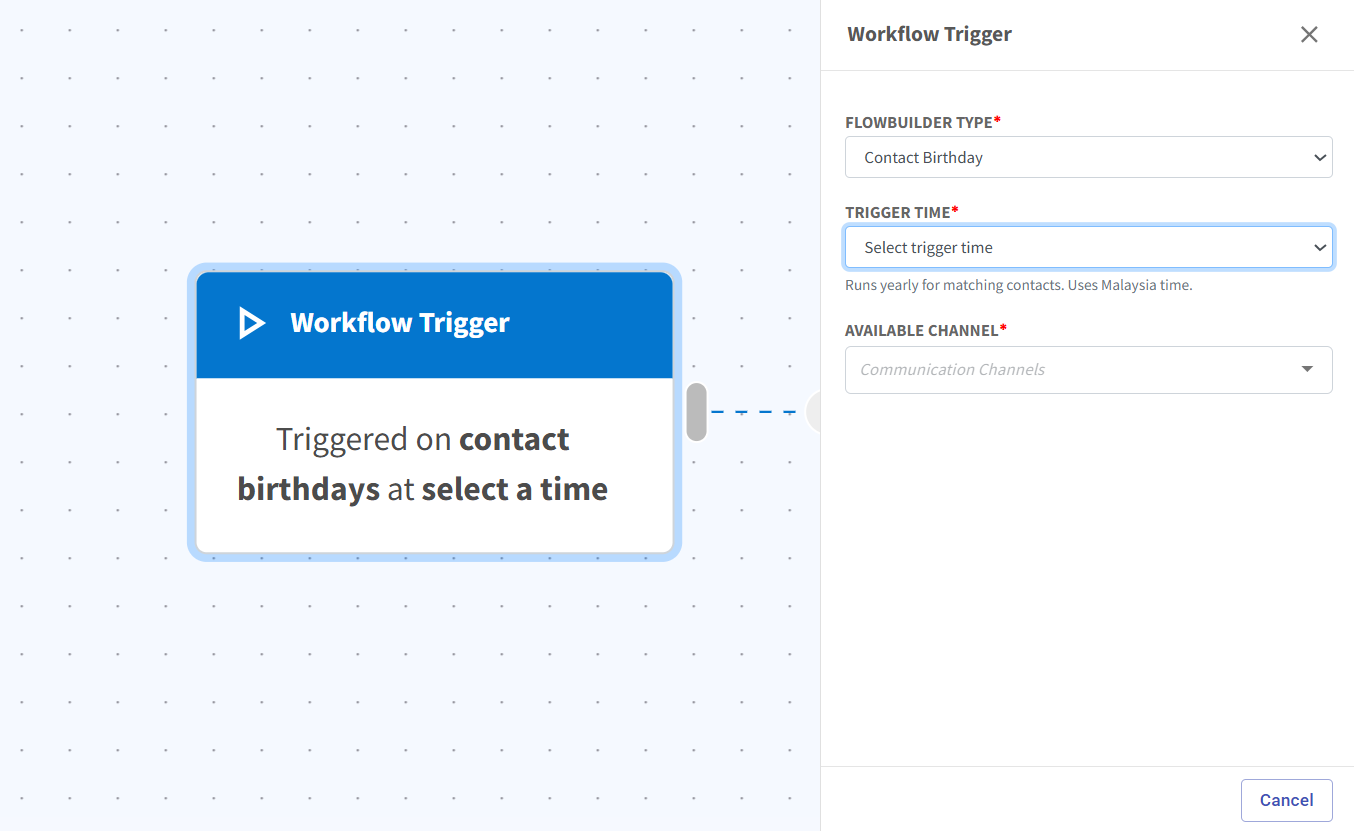
We’ve added a new Contact Birthday trigger in Flowbuilder. You can now automatically trigger a flow based on a contact’s birthday without needing to create an automation, add a tagging, or prepare a segment list beforehand. 🎉
What it means to you:
This makes birthday campaigns much easier to set up. You can manage everything directly within Flowbuilder, reducing extra setup steps and saving time. 🚀
How you can go about it:
Go to Flowbuilder.
Create a new flow or edit an existing flow.
Select Contact Birthday as the Flowbuilder type.
Choose the time you want the flow to trigger, such as 10:00 AM, 10:30 AM, or 11:00 AM.
Complete and enable your flow.
For a more detailed tutorial, refer here:
https://scribehow.com/o/Fs8ozAjrTmmTVSASY4x3XQ/viewer/How_to_Create_a_Birthday_Flow__h2kgALkoSJGD38rjtuWkPA ✨