Introducing Our New Inbox View ✨
What's New:
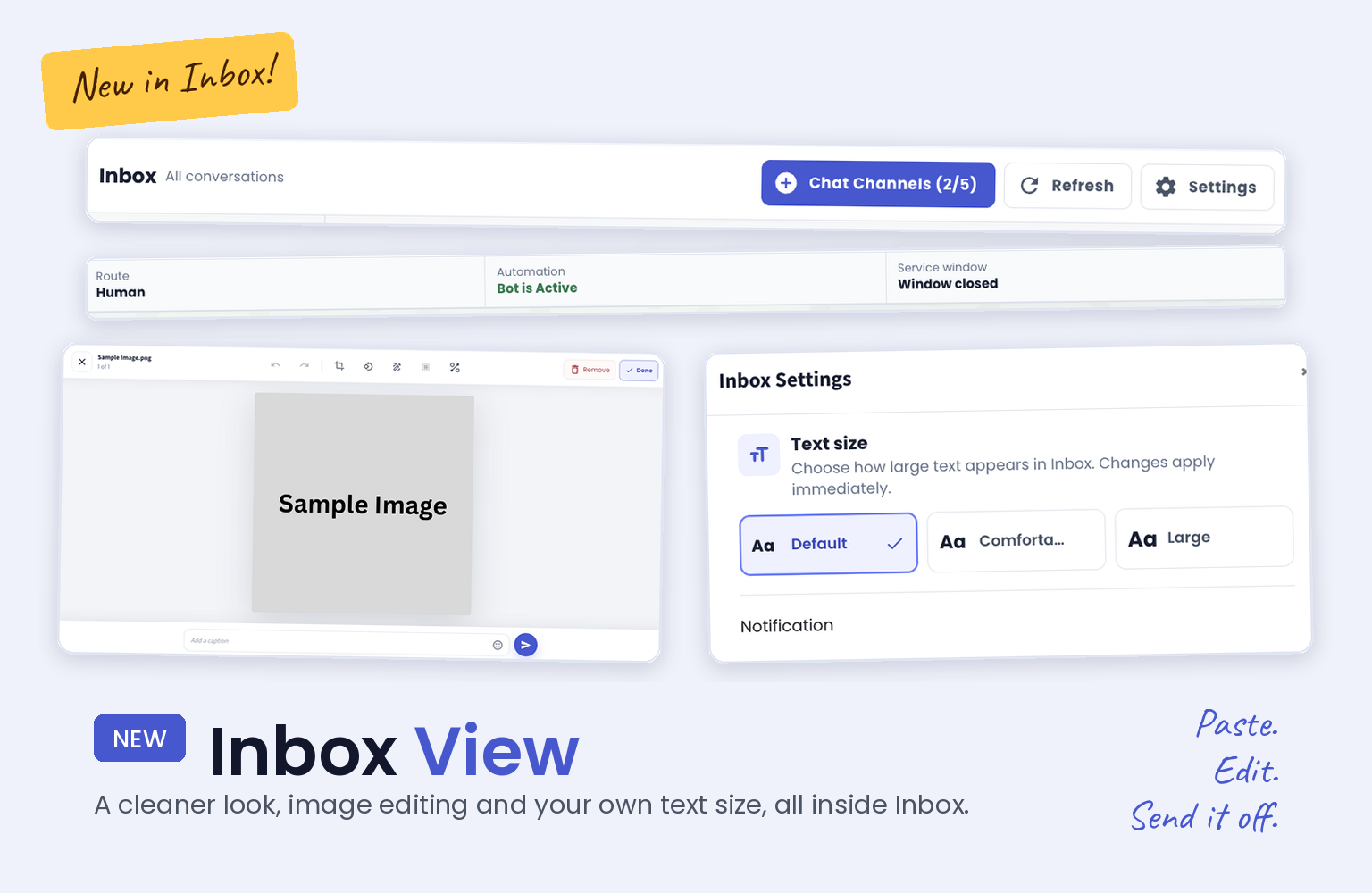
We gave the Inbox a fresh new look. You can now paste an image and edit it on the spot, and you can pick your own text size in Inbox Settings. 🎉
What it means to you:
No more saving an image, opening another app to crop or blur it, then uploading it back. You do it all inside the Inbox and send it off in seconds, so you reply faster. 👀
And if the text feels too small, switch to a larger size and read your chats without squinting. 🔍
What are the changes:
Sleeker and modern look
Paste an image, then edit it (crop, draw or even blur) directly in the Inbox
Change the text size in Inbox Settings
Here are some sneak peeks: 📸