Quick Edit Contact Name ✏️
What's New:
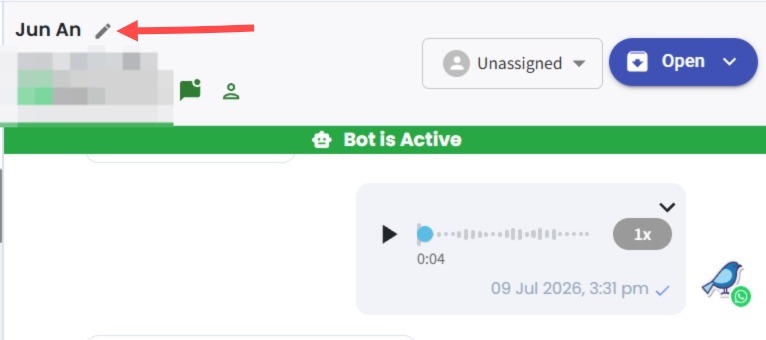
You can now edit a contact's name directly next to their name in the Inbox module. 🚀
What it means to you:
Editing contact names is now quicker and more convenient. Instead of scrolling to the bottom right to access Edit Contact, you can update the name directly beside it. 👍
How you can go about it:
1. Open any conversation in the Inbox module.
2. Click the pencil icon beside the contact's name.
3. Type the new name and click on save changes. Done! 😊