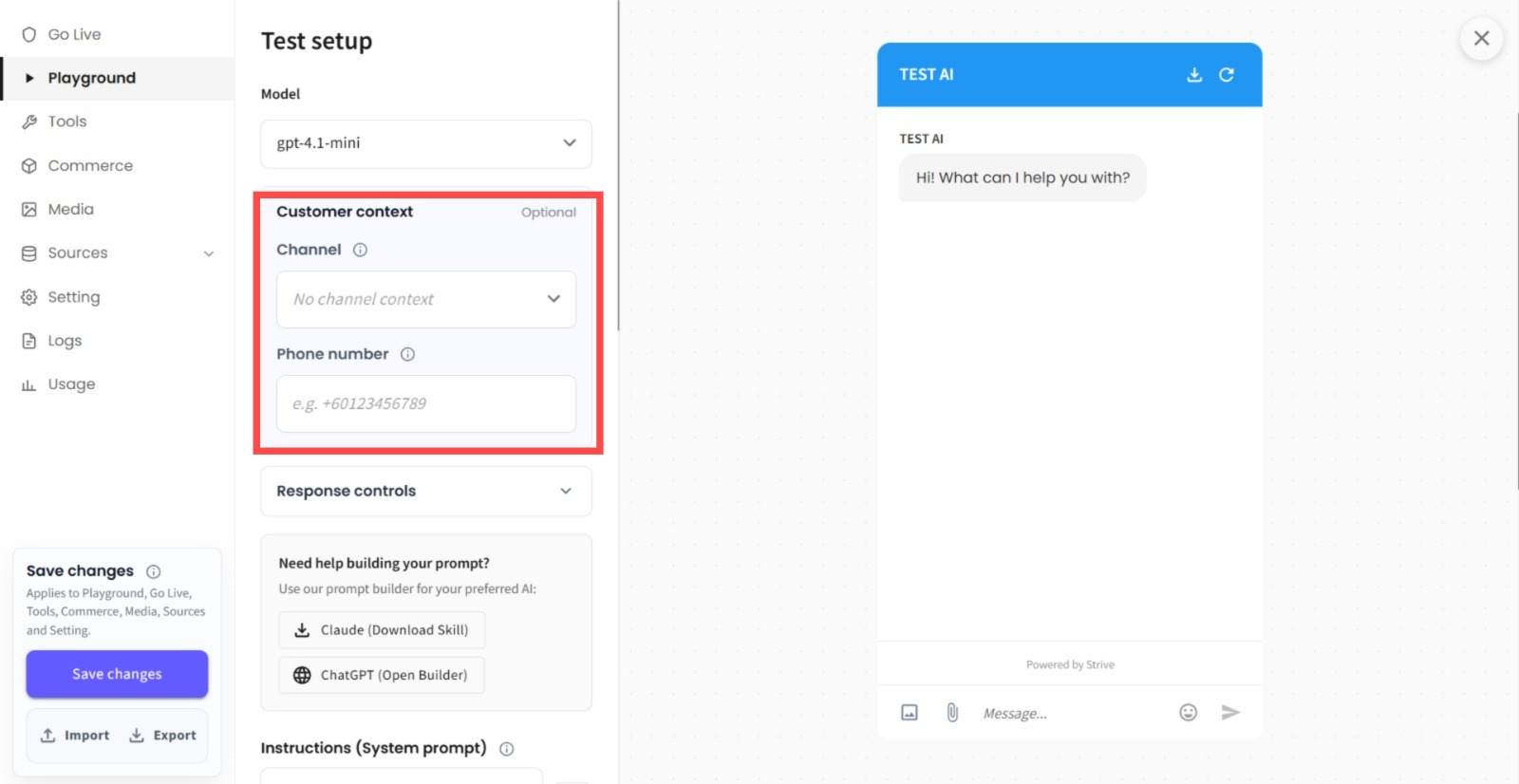
📱 Test AI Agent with Channel & Phone Number
✨ What's New
You can now select a Channel and enter a Phone Number when testing your AI in the Playground.
💡 What it means to you
You can now simulate conversations more accurately based on the Channel and Phone Number used by your customers. This makes it easier to validate channel-specific AI behaviour and ensure your responses work as expected before going live. 🚀
🚀 How you can go about it
Go to Agent Module.
Select the Agent you want to test.
Choose your Channel and enter a Phone Number (optional).
Start testing your AI in the Playground.