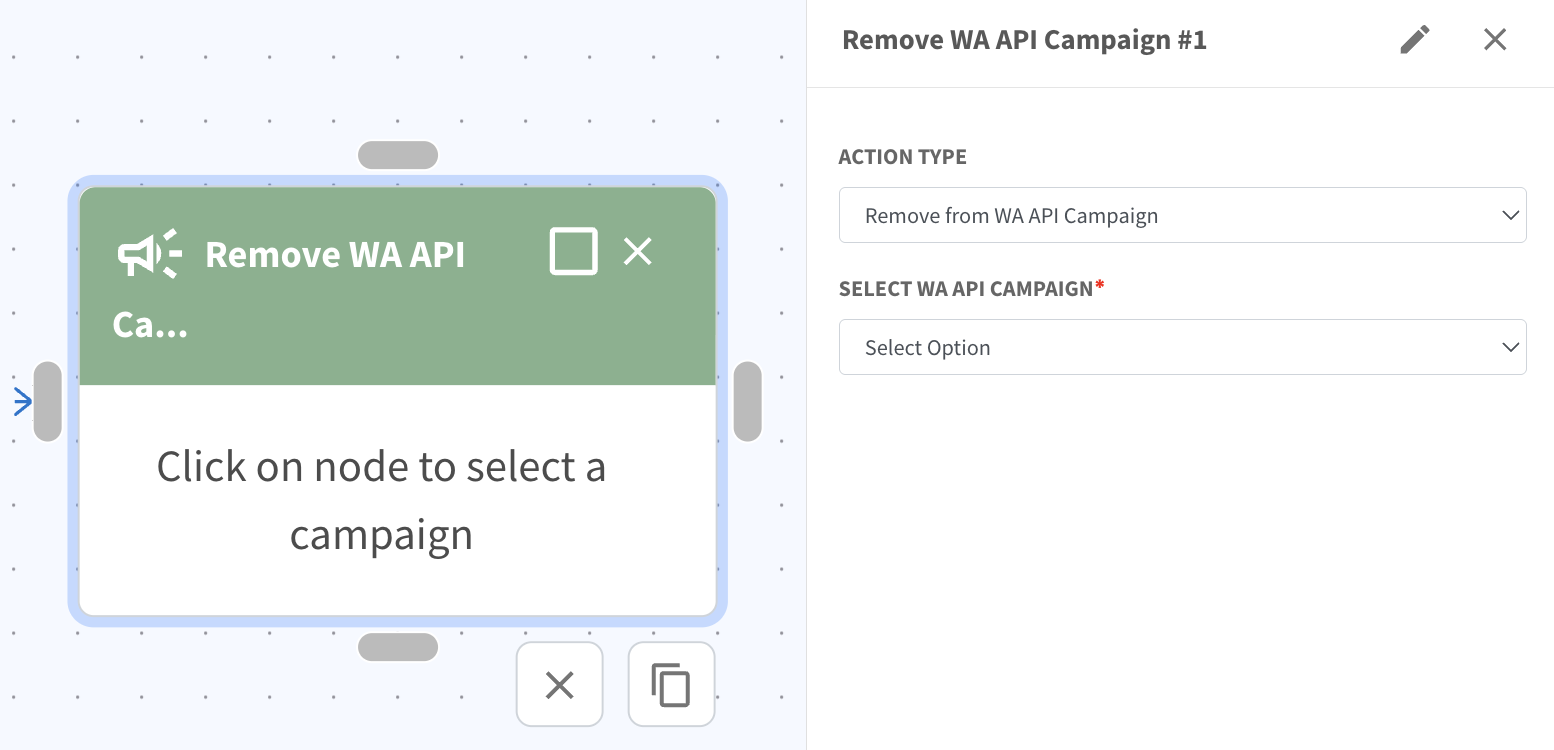
flowbuilder action Remove from WA API Campaign
What’s New:
You can now use the Remove from WA API Campaign action in Flowbuilder. 📤
This allows you to automatically remove a contact from a selected campaign based on a trigger such as unsubscribe or opt out.
What it means to you:
You can ensure contacts who opt out are removed automatically without manual work. ⚡
This helps keep your campaign audience accurate and prevents sending messages to the wrong contacts.
How you can go about it:
Create or open your flow in Flowbuilder
Add the Remove from WA API Campaign action
Select the campaign name
Save the action
Complete the rest of your flow as needed
Click Save Flow
This will automatically remove the contact from the selected campaign when the condition is met.