Round Robin Assignment Node in Flowbuilder 🌀
What’s New:
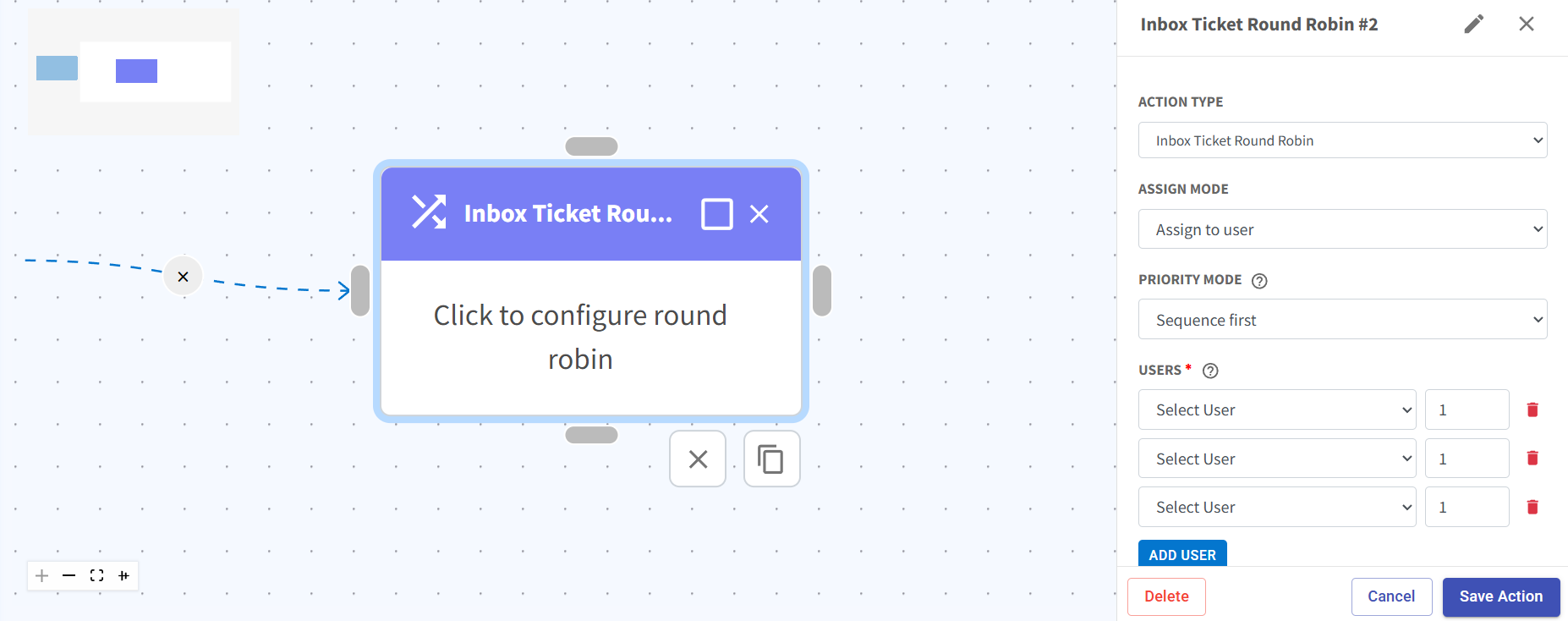
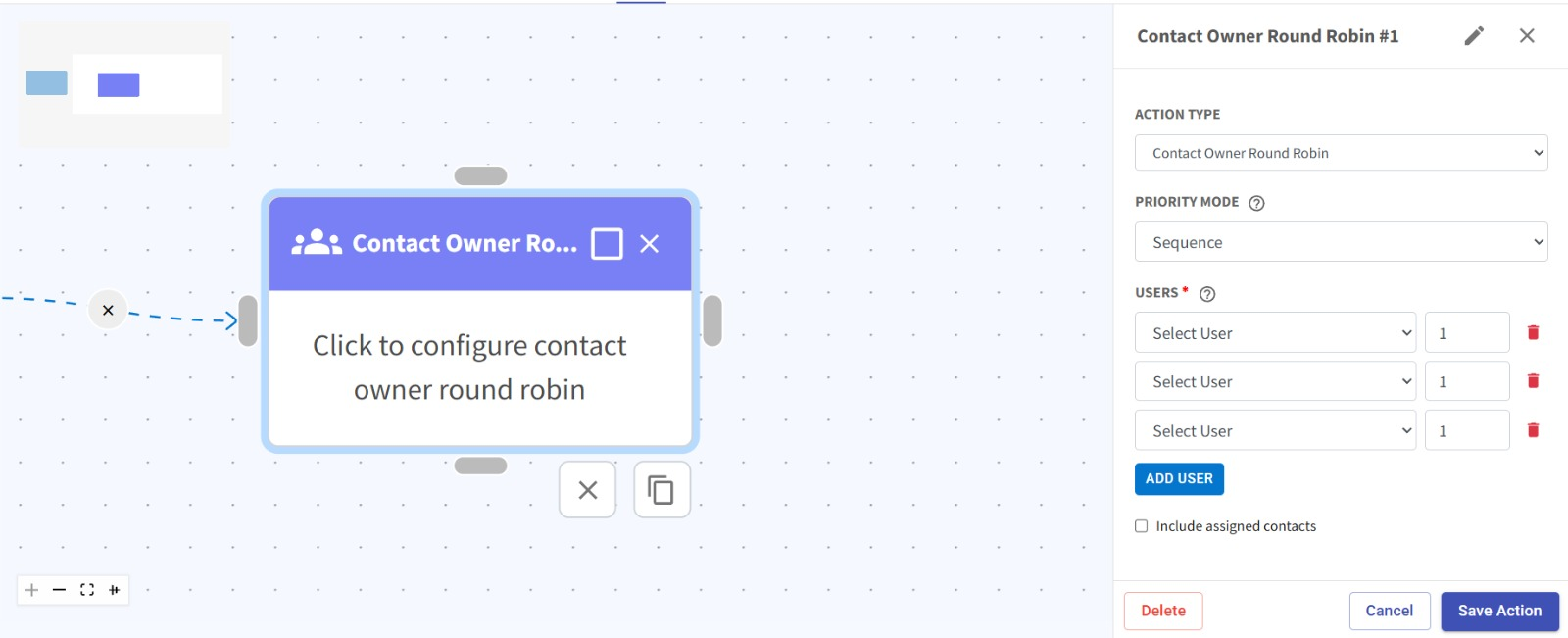
We’ve added a new Round Robin node in Flowbuilder, allowing you to automatically distribute contacts or tickets across users.
You can now configure assignment using different modes such as sequence or weightage, giving you more flexibility in how workloads are distributed within your team.
What it means to you:
No more manual assignment of contacts or tickets.
Ensure fair and efficient workload distribution among team members, whether equally through sequence or based on priority using weightage. ✨
With the new customization options, you can also define your own assign mode and priority mode to better match your business workflow needs.
This helps improve team productivity, response speed, and overall operational efficiency. 🎯
How you can go about it:
Head over to the Flowbuilder module and open an existing flow or create a new one.
Add the Round Robin node at the desired step in your flow.
Choose your assign mode and configure whether you want sequence-based or weightage-based distribution.
Customize your priority mode based on your workflow requirements.
Select the users involved and adjust their order or weightage settings.
Click save action, save the flow and activate it to start automatic distribution.