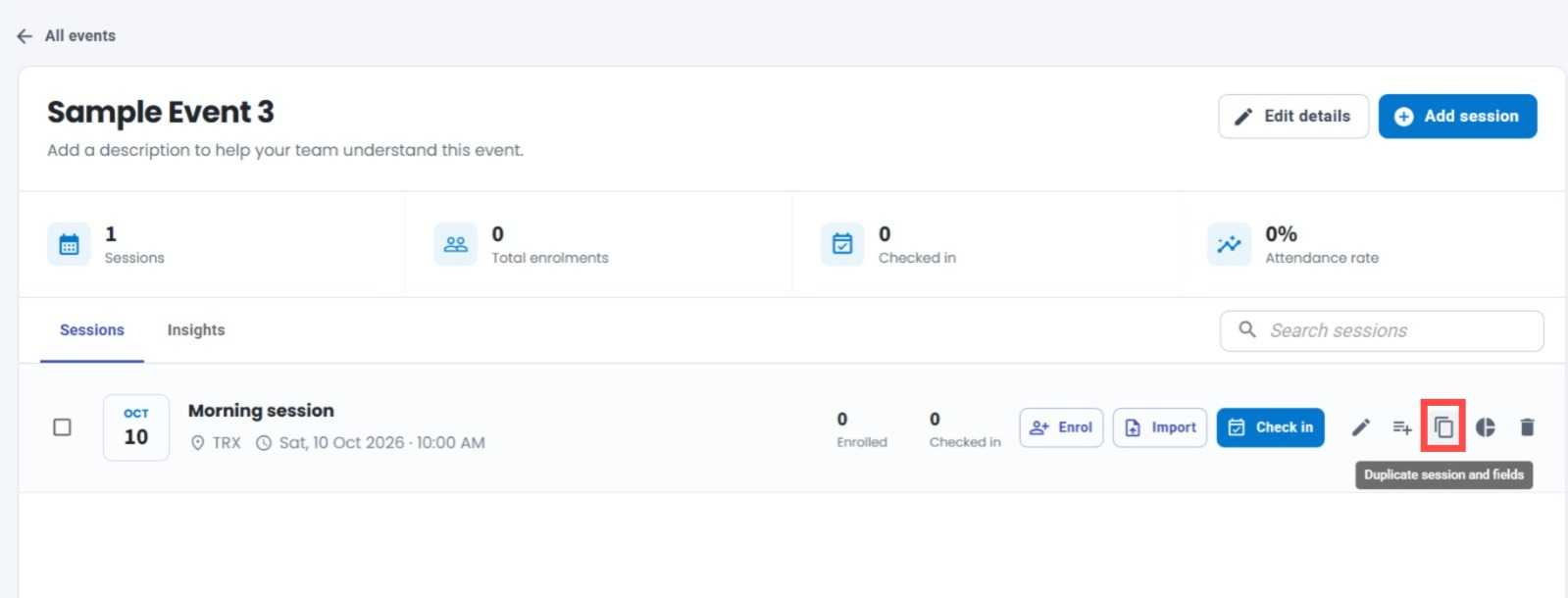
Duplicate Session with Fields 📋
What's New:
You can now duplicate an existing session along with all its configured fields in the Event Module. ✨
What it means to you:
Save time when creating similar sessions! Instead of manually adding each field again, you can duplicate an existing session and carry over its configured fields, making it easier to set up new sessions without repeating the same work. 🚀
How you can go about it:
Go to the Event Module and select an event.
Find the session you want to duplicate.
Click the Duplicate Session icon.
The session and its configured fields will be duplicated, so you can make any necessary changes for the new session. 🎯