Bulk Update Product Custom Fields in One Go 🛠️
What’s New:
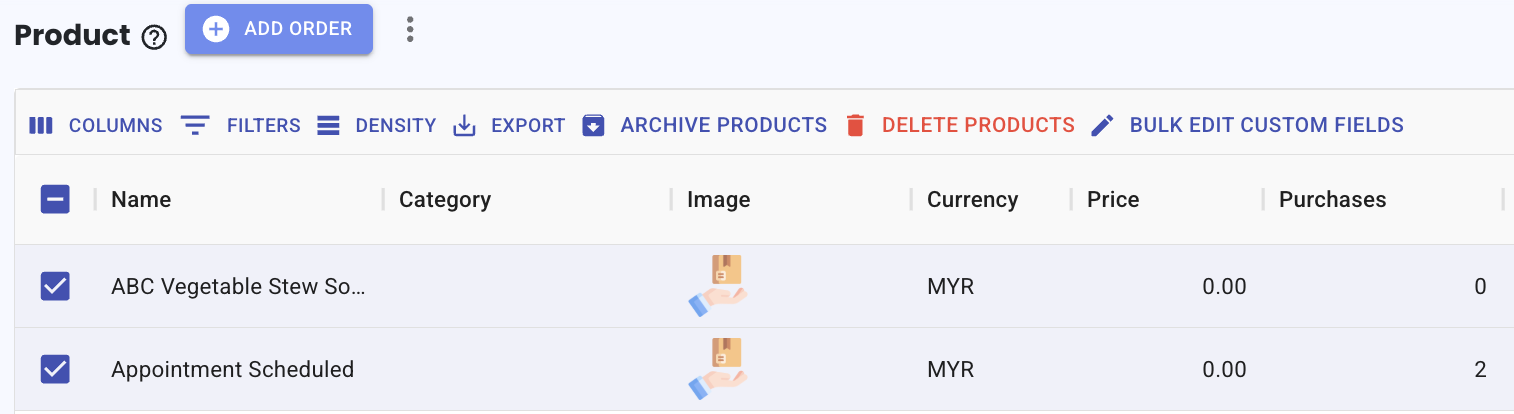
You can now bulk edit custom fields for multiple products in the Product module. 📦
Simply select the products using the checkbox and update their custom fields all at once.
What it means to you:
You can update multiple products quickly without editing them one by one. ⚡
This helps you save time when managing product information.
How you can go about it:
Go to the Product module
Select the products using the checkbox
Click Bulk Edit Custom Fields
Update the custom field as needed
Save your changes
Note: If a custom field does not exist for some products, it will be automatically added during the update.
You can refer to this guide: Guide