Display Contact Persona in Inbox 👤
What's New:
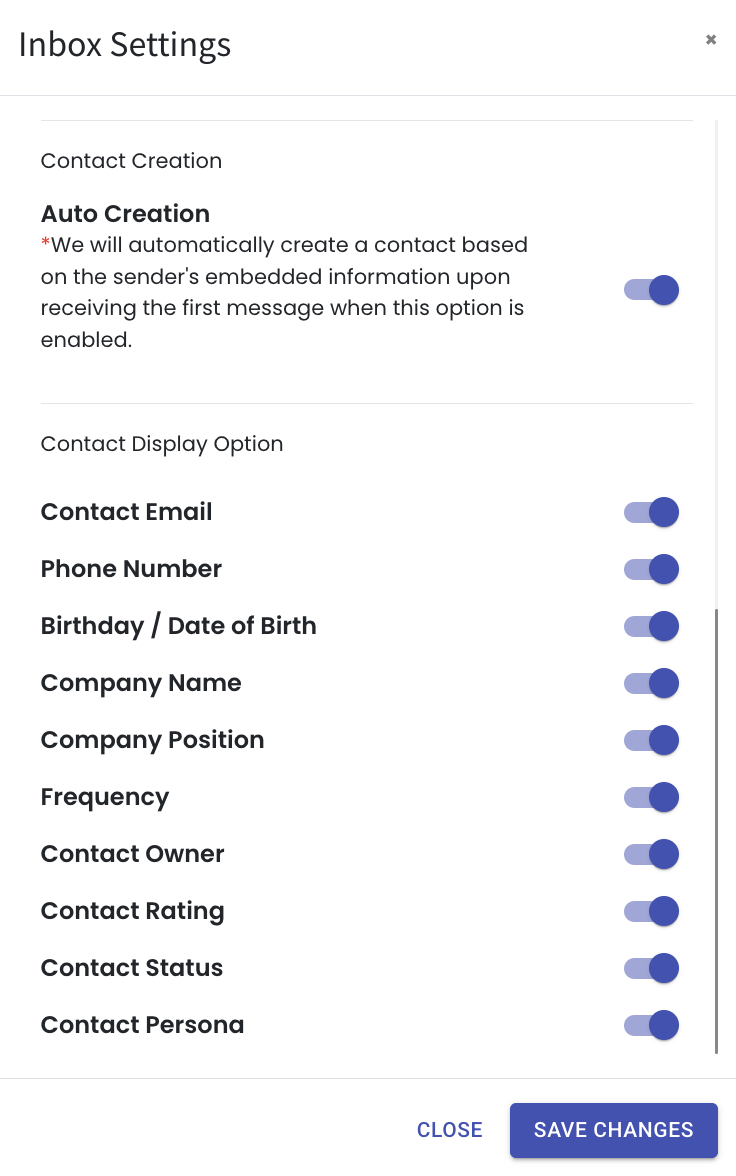
You can now choose to display the Contact Persona directly in the Inbox module. To enable it, click the Setting button in the Inbox, scroll down, and turn on the Contact Persona toggle. When the toggle is blue, the display is enabled. ⚙️
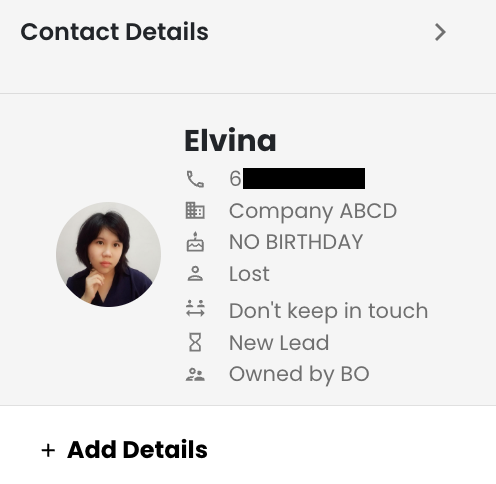
Once enabled, open any ticket and you will be able to see the contact’s persona on the right side of the Inbox. This gives you quick insight into the contact while you are viewing or replying to the conversation. The information appears alongside the other contact details for easy reference. 👀
This enhancement helps you quickly understand who the contact is while chatting, making it easier to respond and handle conversations more effectively. ✨