View Notes with Colour Label in Strive Go 🎨
What's New:
You can now see note colors in Strive Go that match the colors set in Strive web. 📱
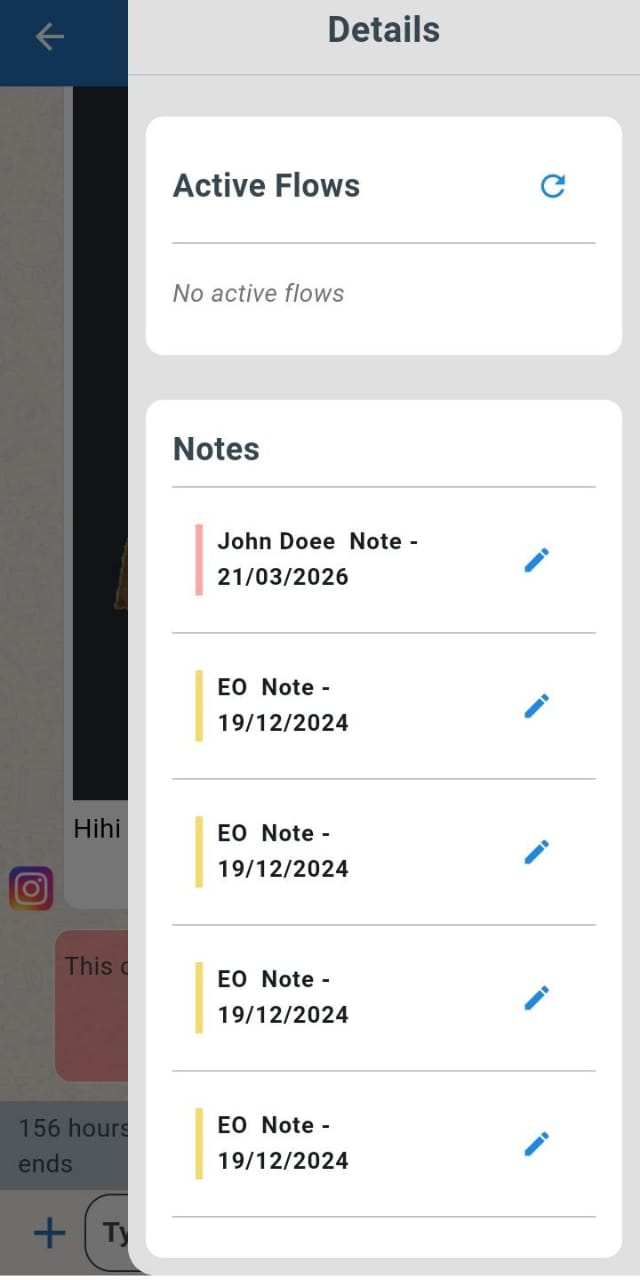
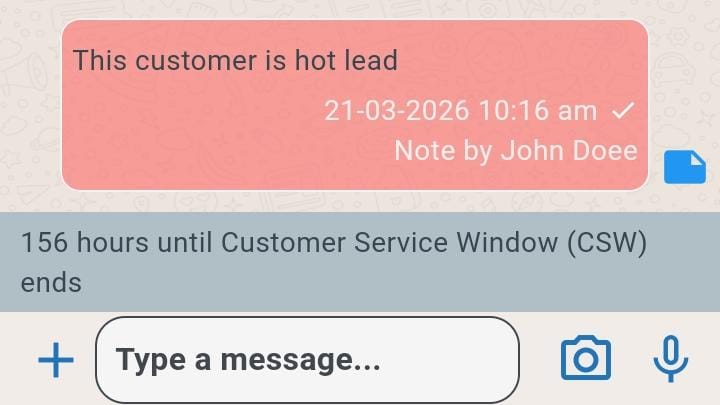
This means any color you assign to a note on web will appear the same in the mobile app. It keeps your notes consistent across both platforms and makes them easier to recognise.
You can view the colored notes in two ways. 👀
You can see them directly in the chat window, or click on the contact name and scroll down on the right side to view the full list of notes with their colours.
Note: At the moment, the color can only be set in Strive web. 🎯
This helps you quickly understand and organize notes using color, making it easier to review important information.